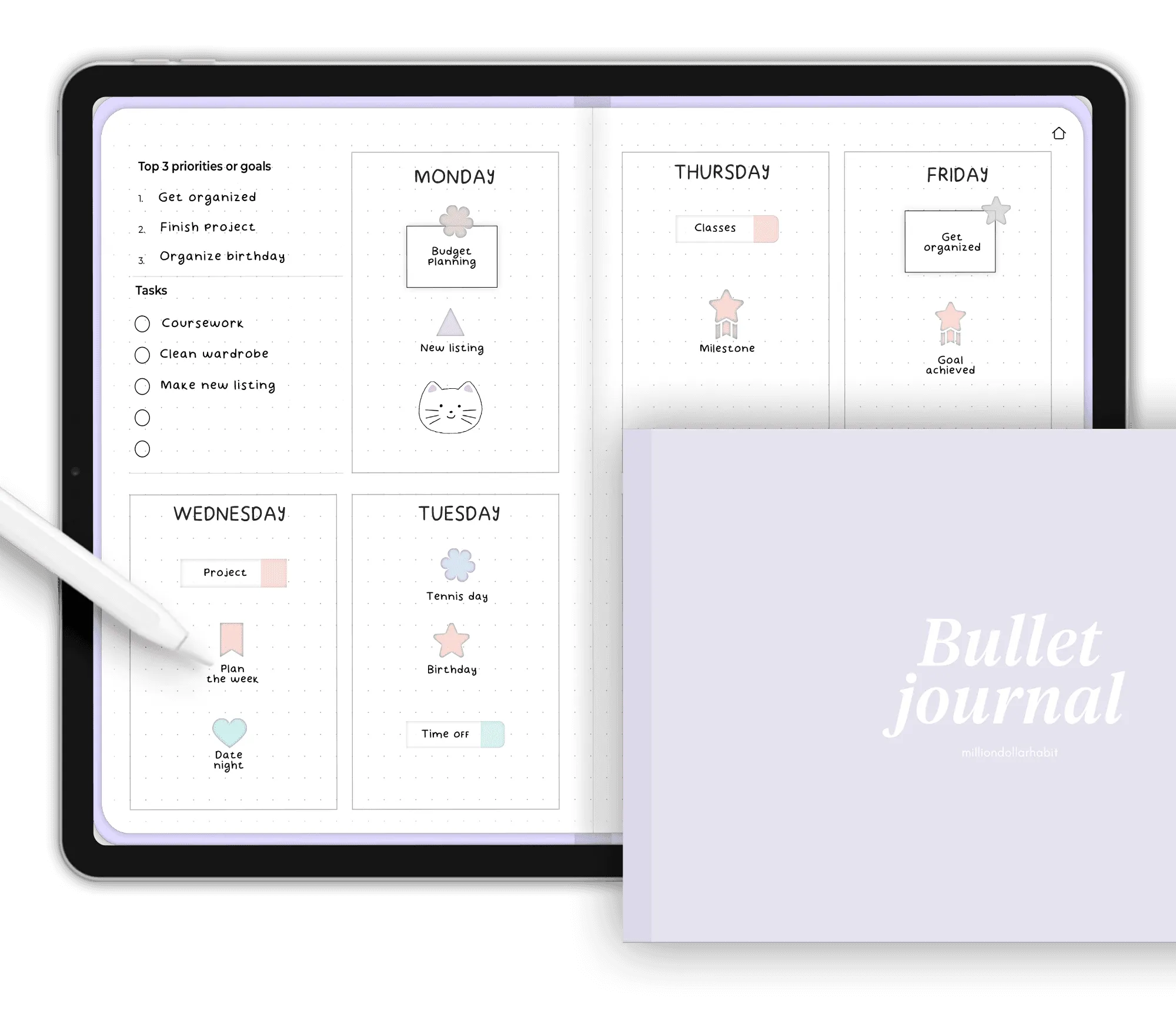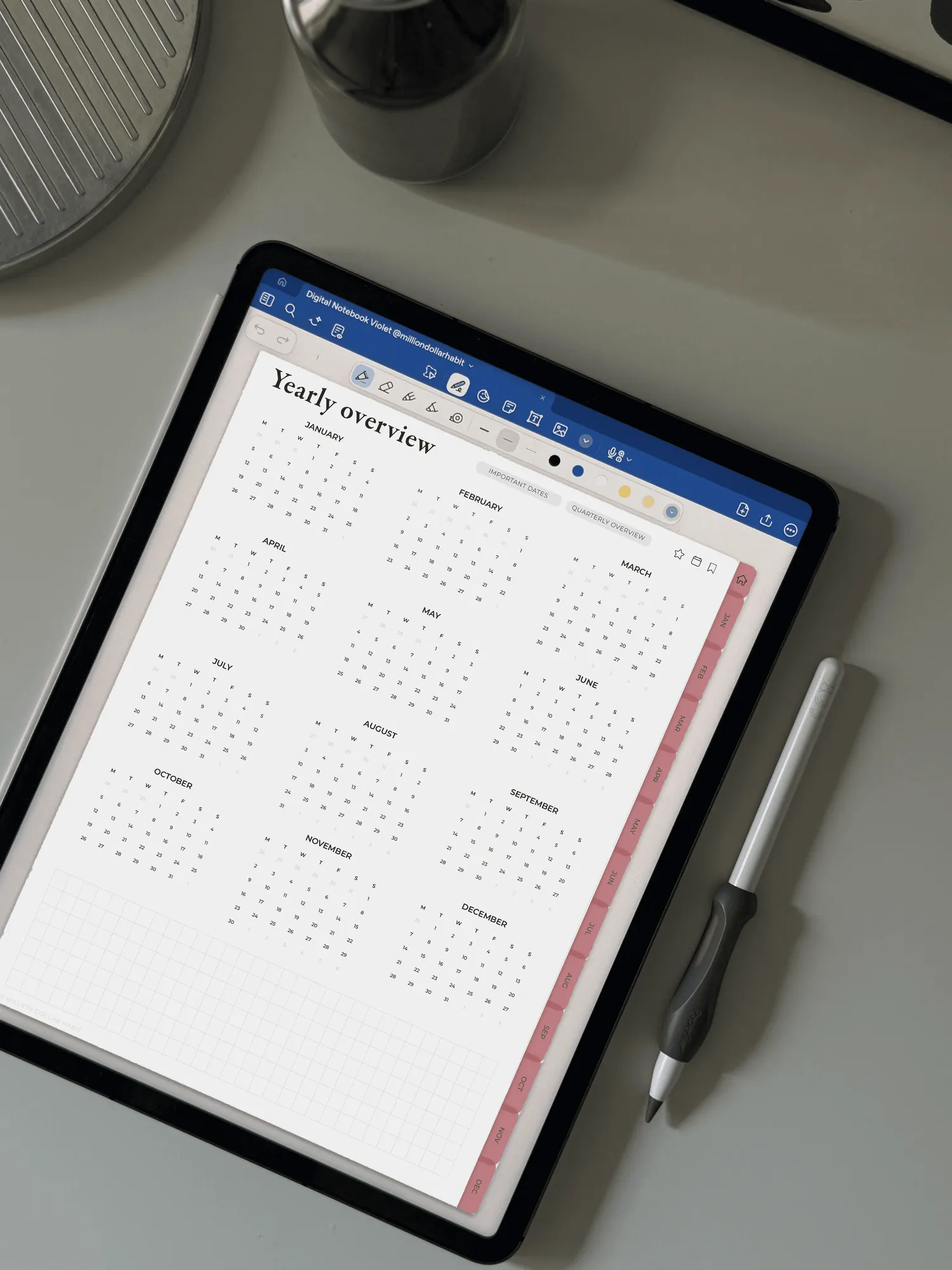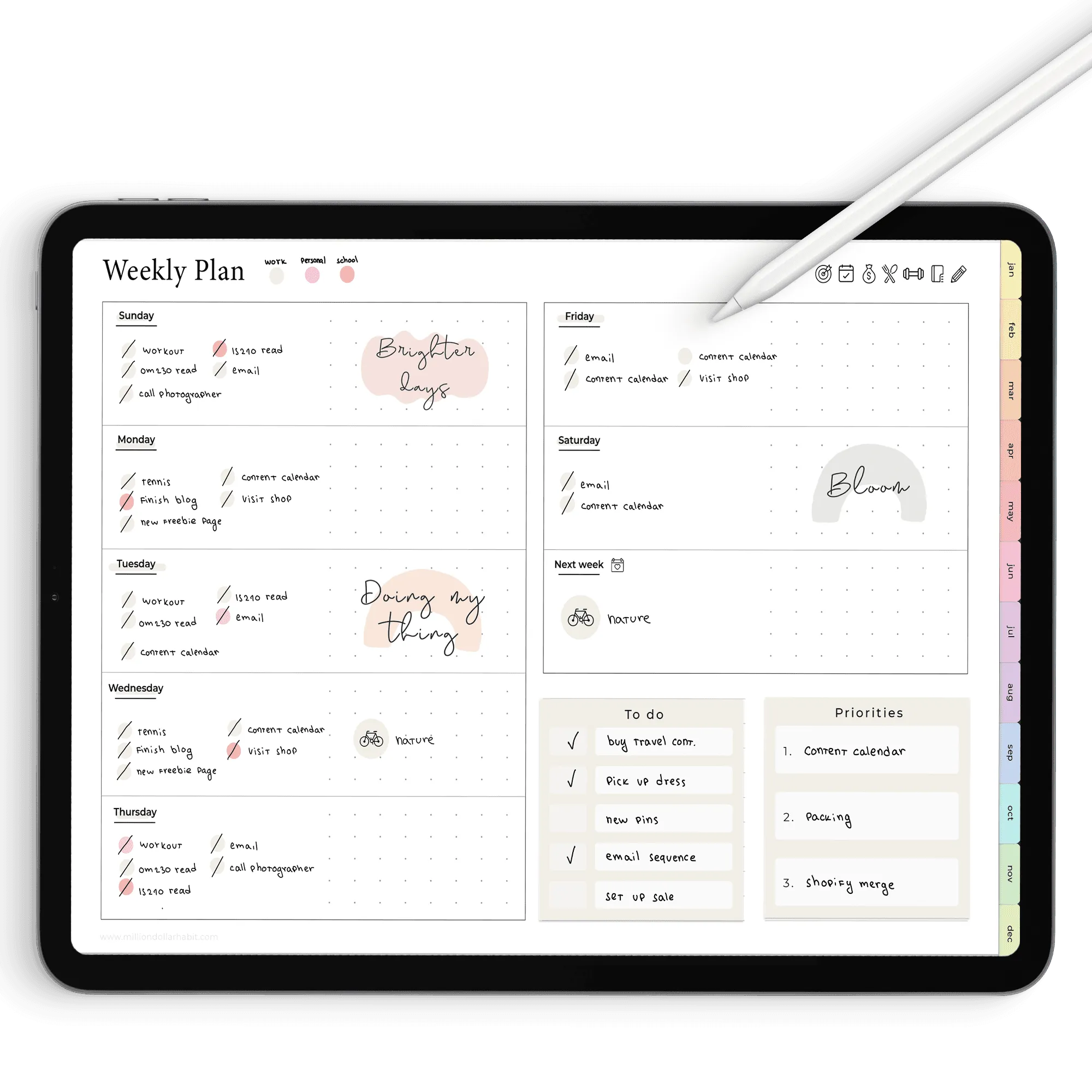
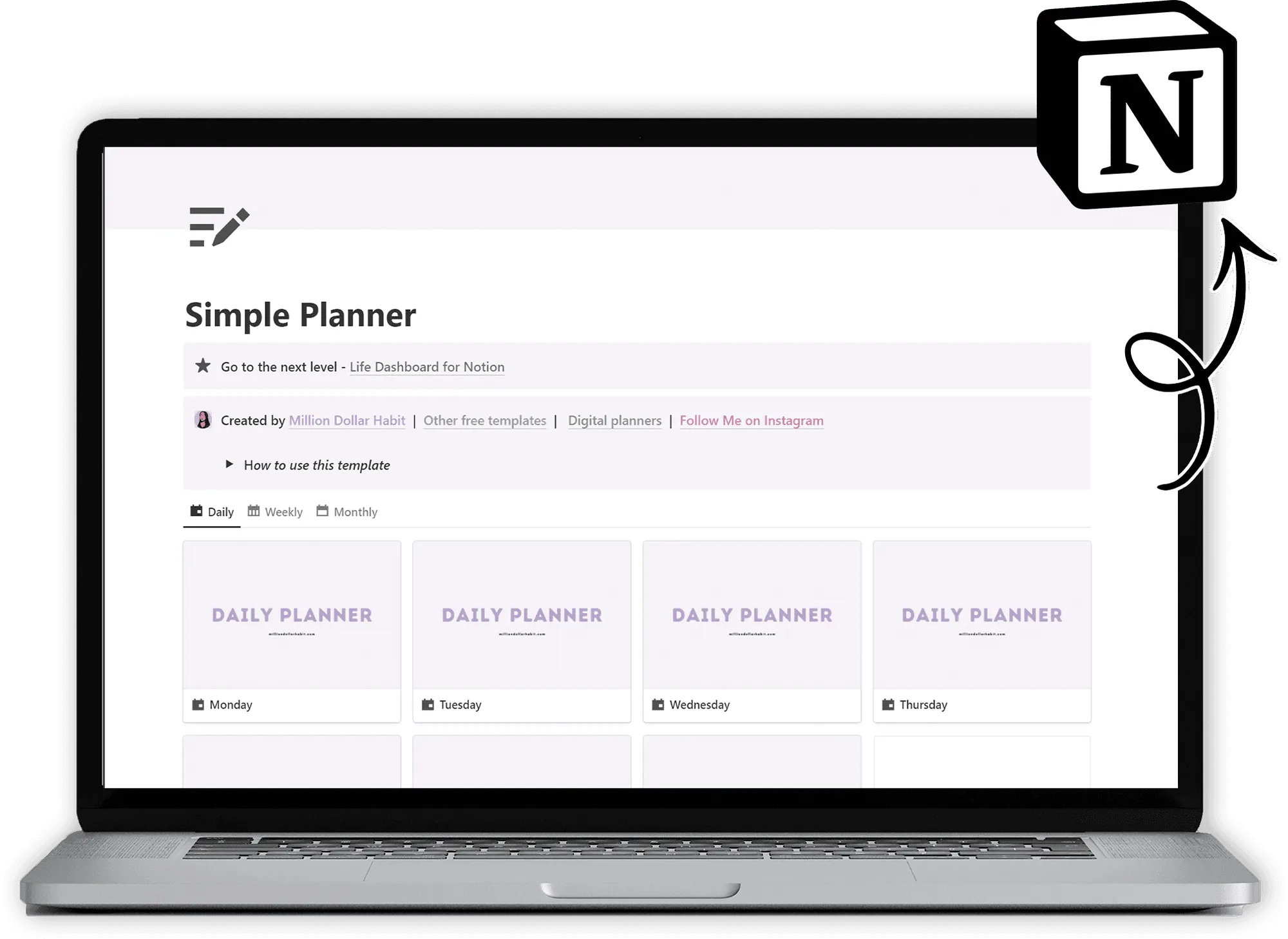
What's inside the Free Notion Template Library
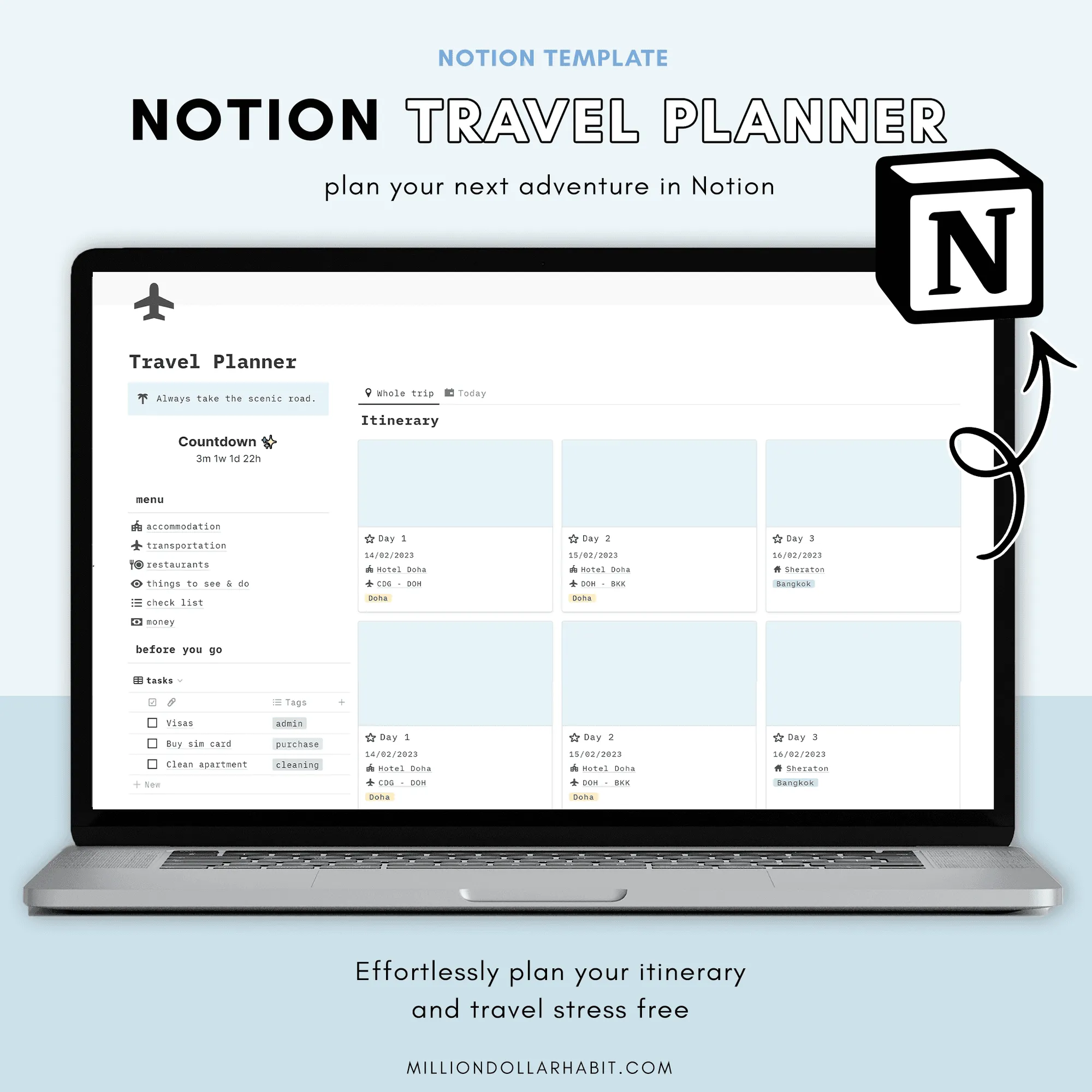
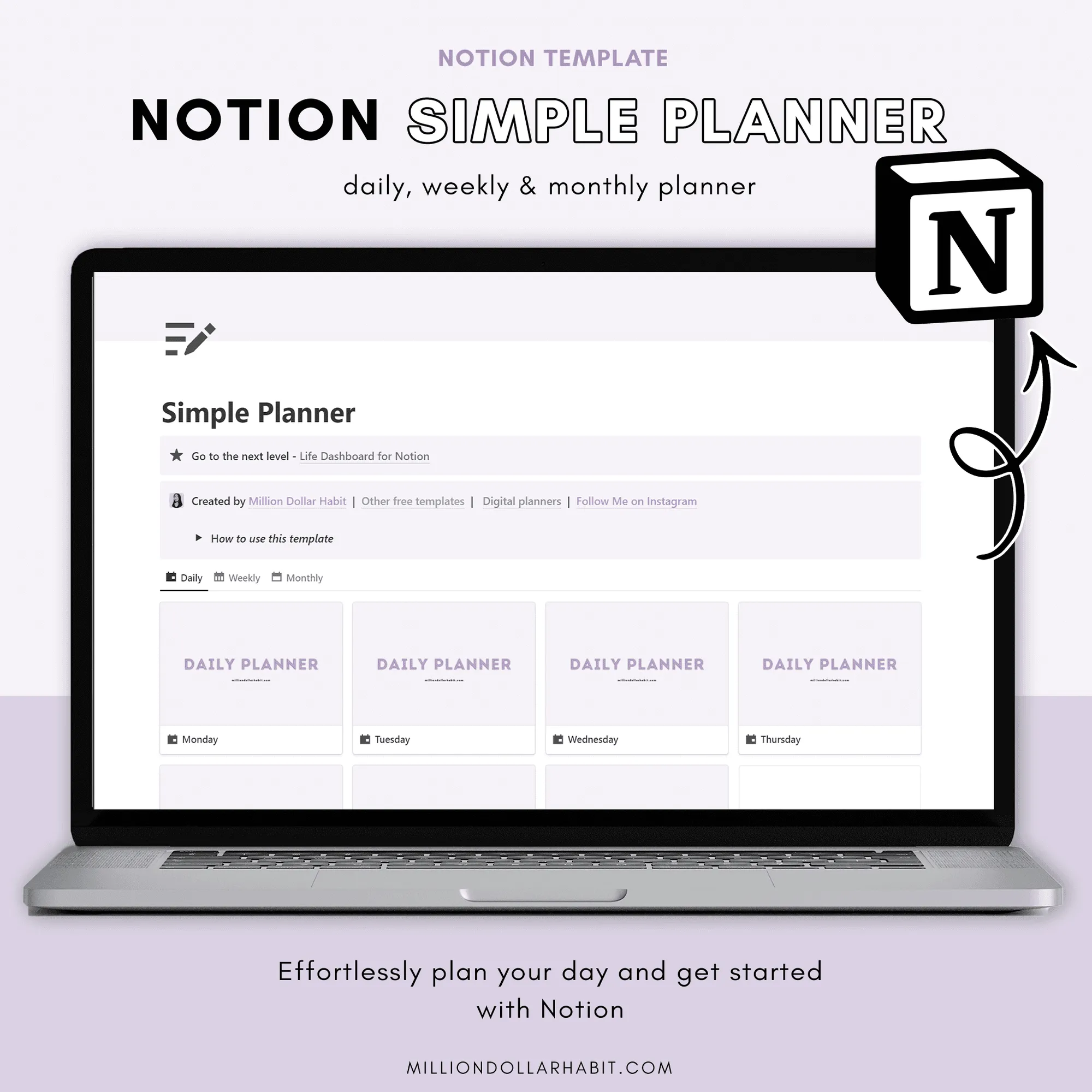
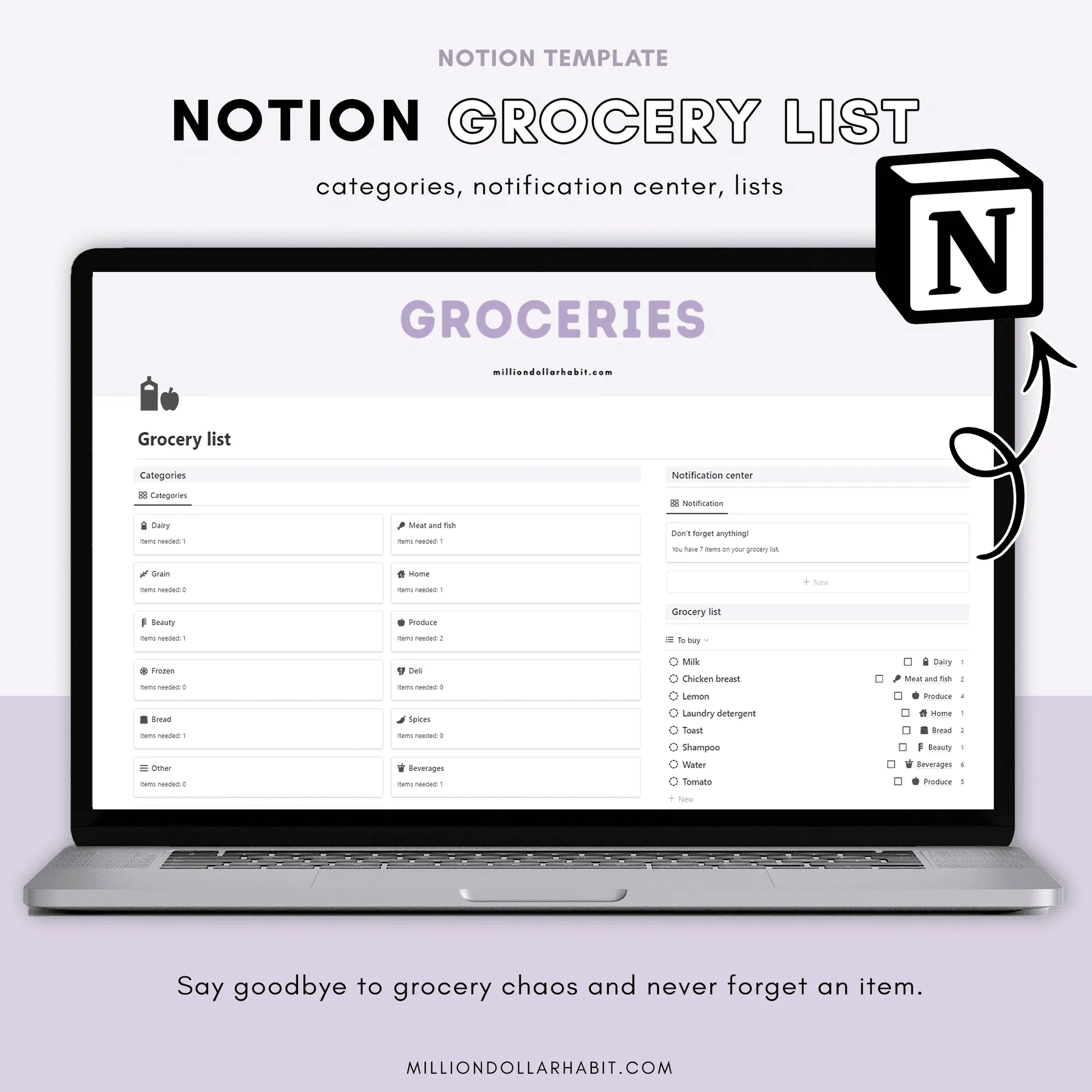
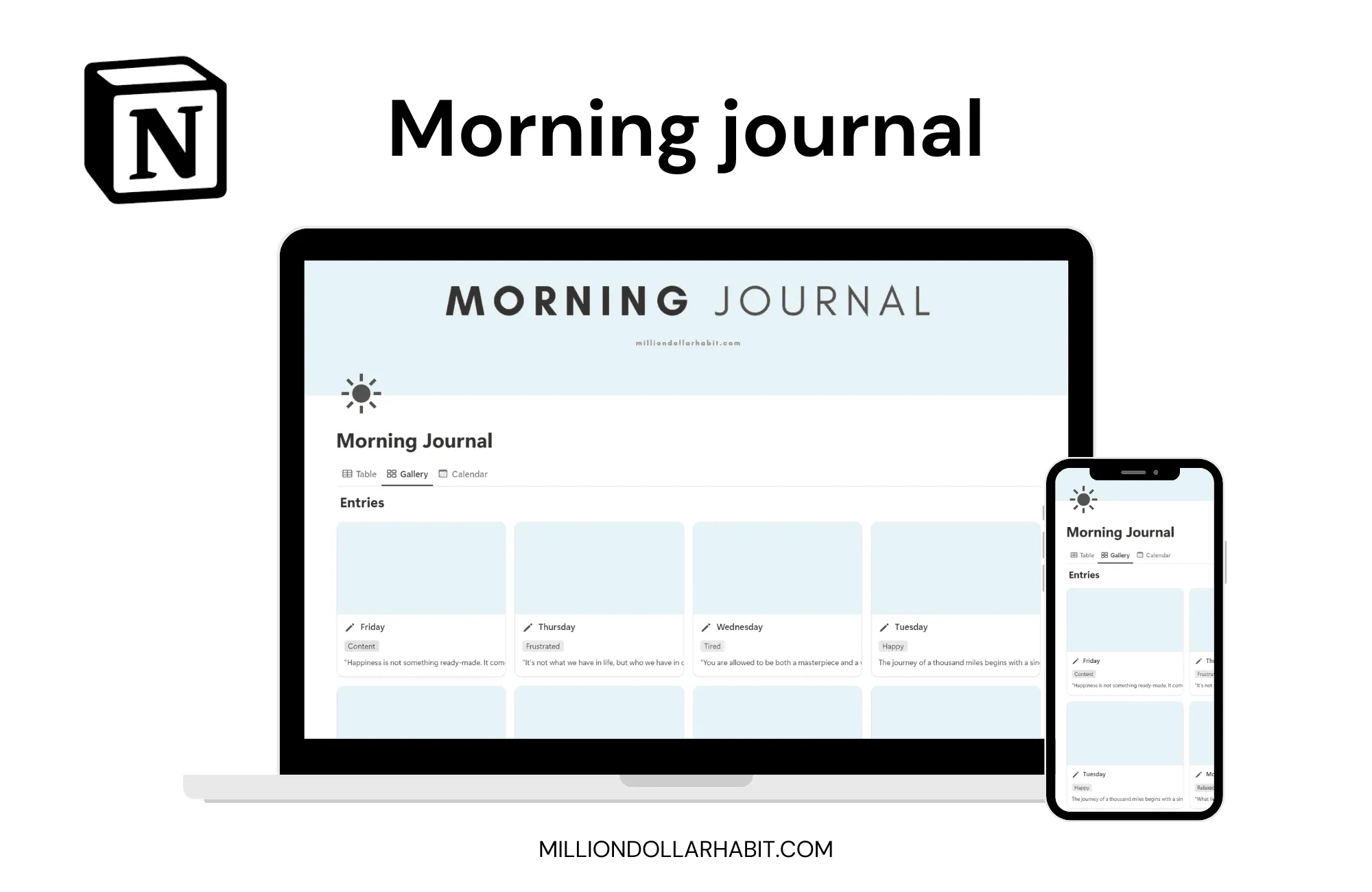
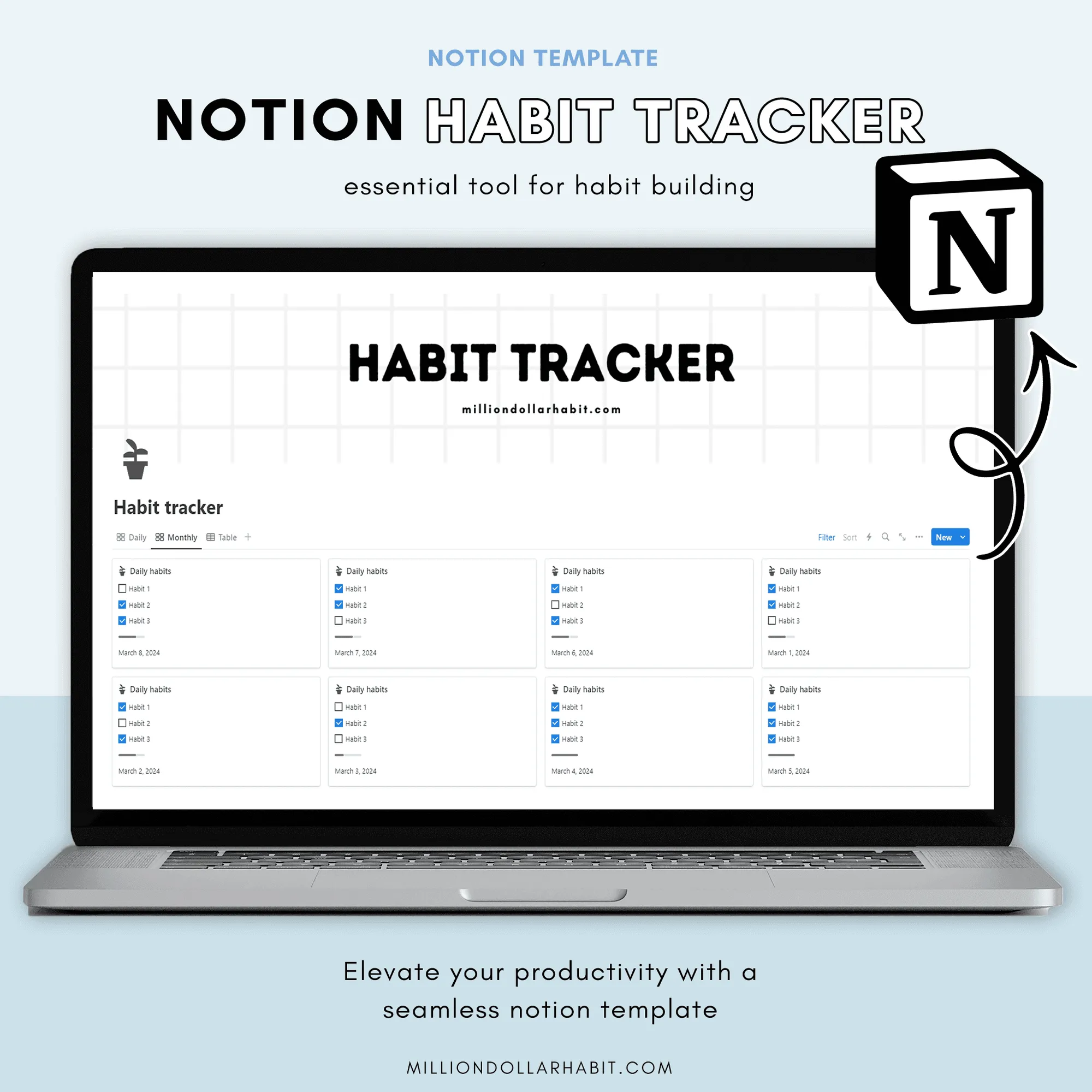
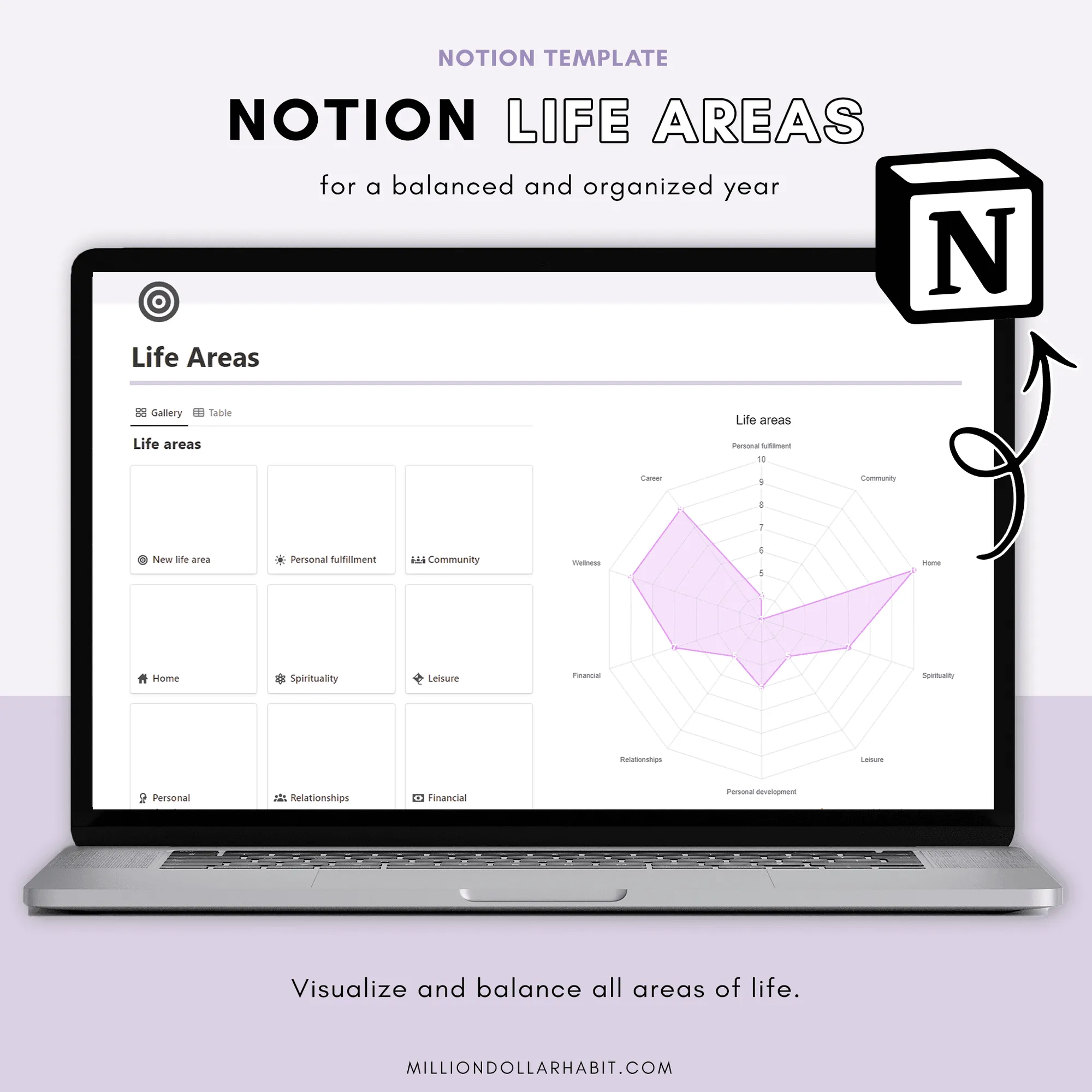
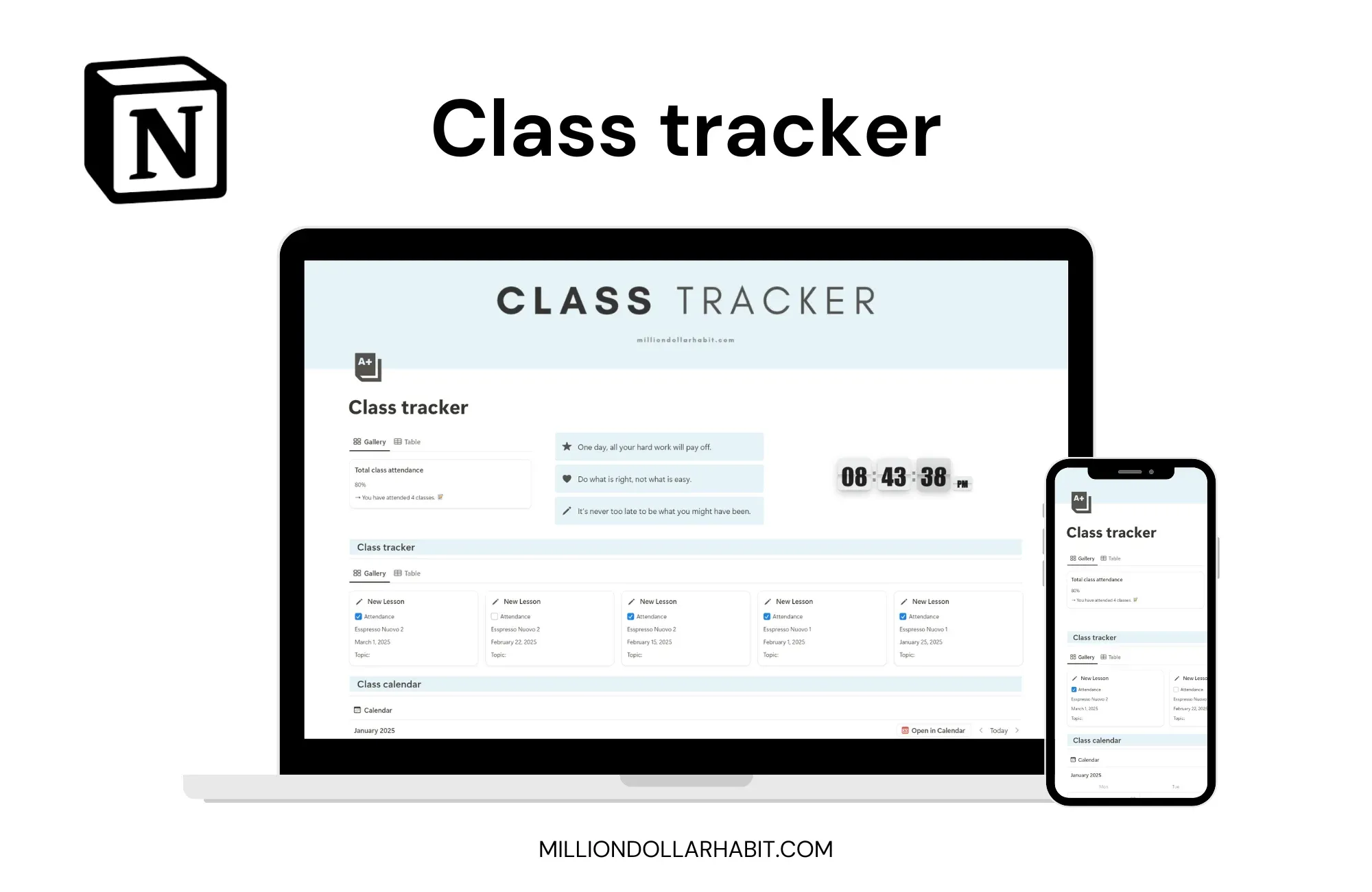
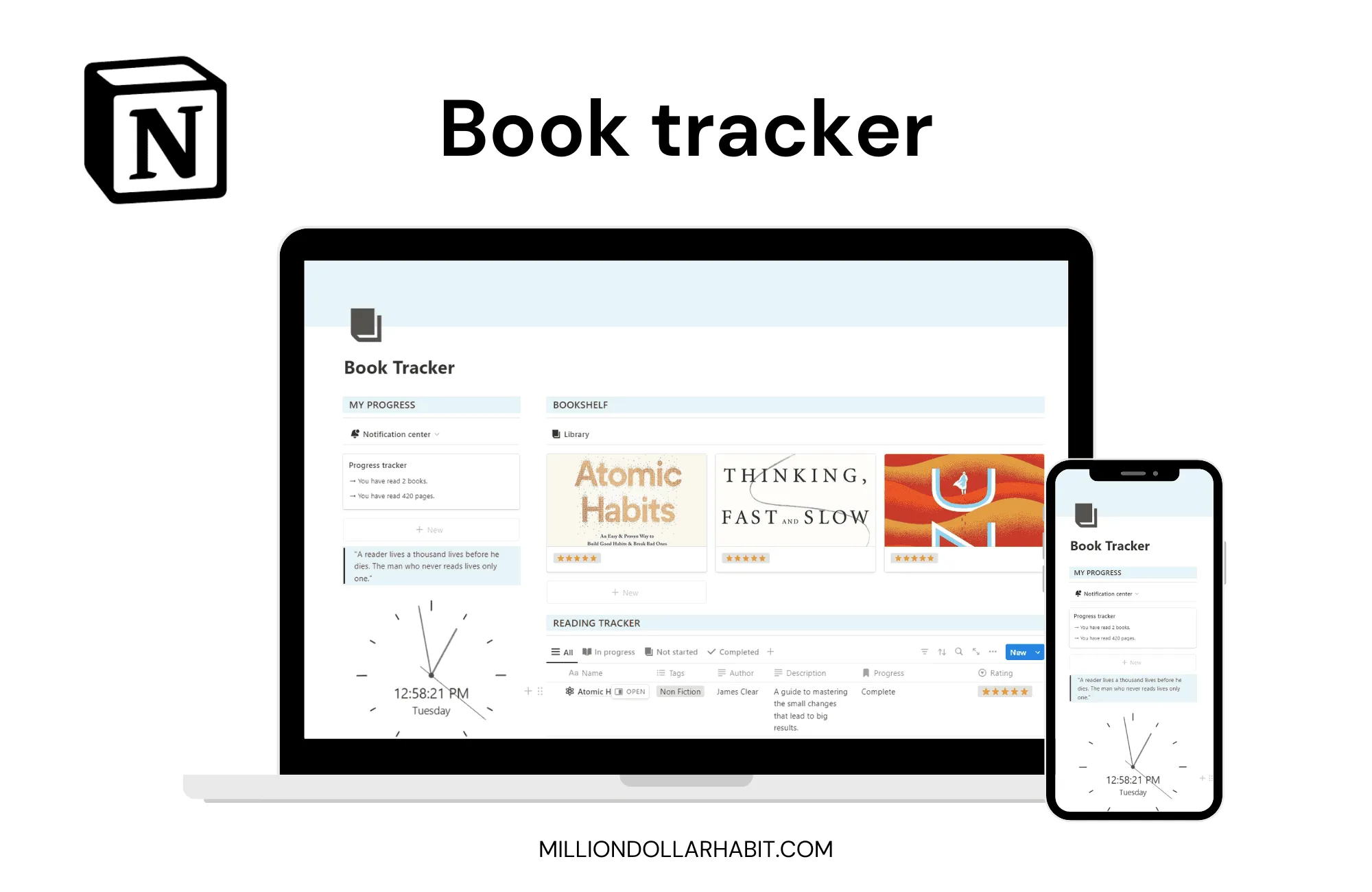
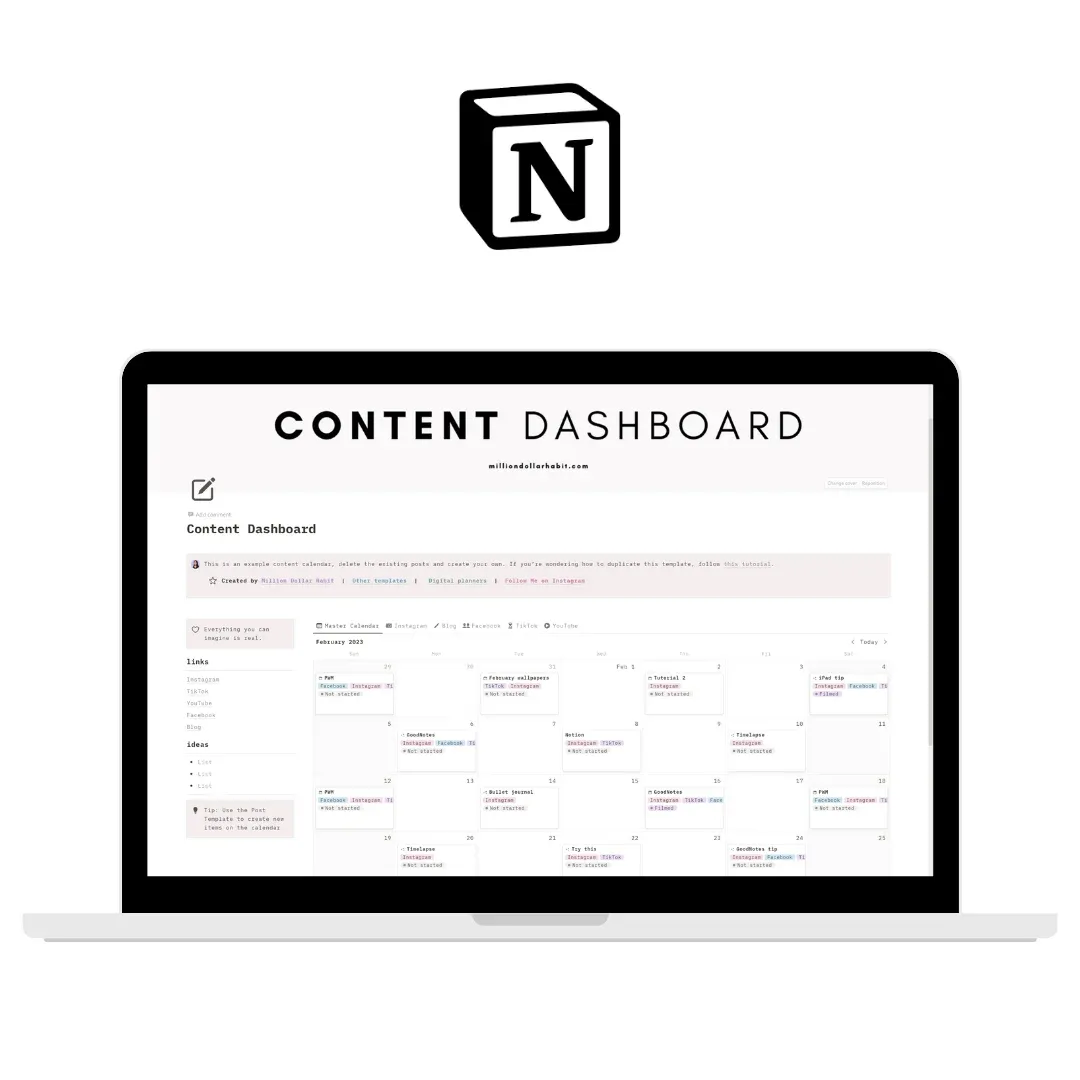
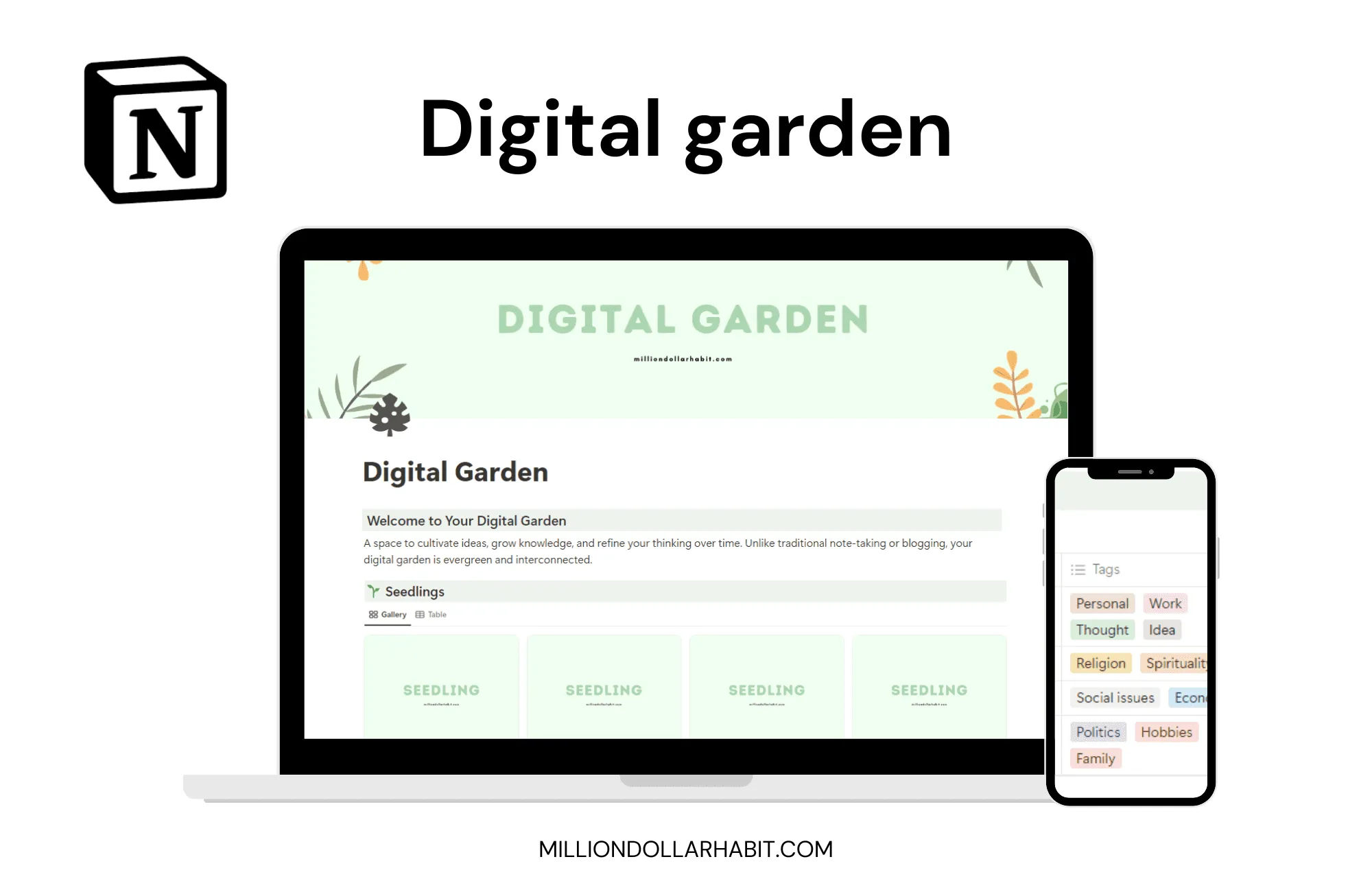
Get the full free Notion templates
Pop in your email and I'll send you the whole free Notion library: planners, trackers, dashboards and more. You'll also get occasional honest tips and new templates, never any spam.
Why People Love These Free Notion Templates
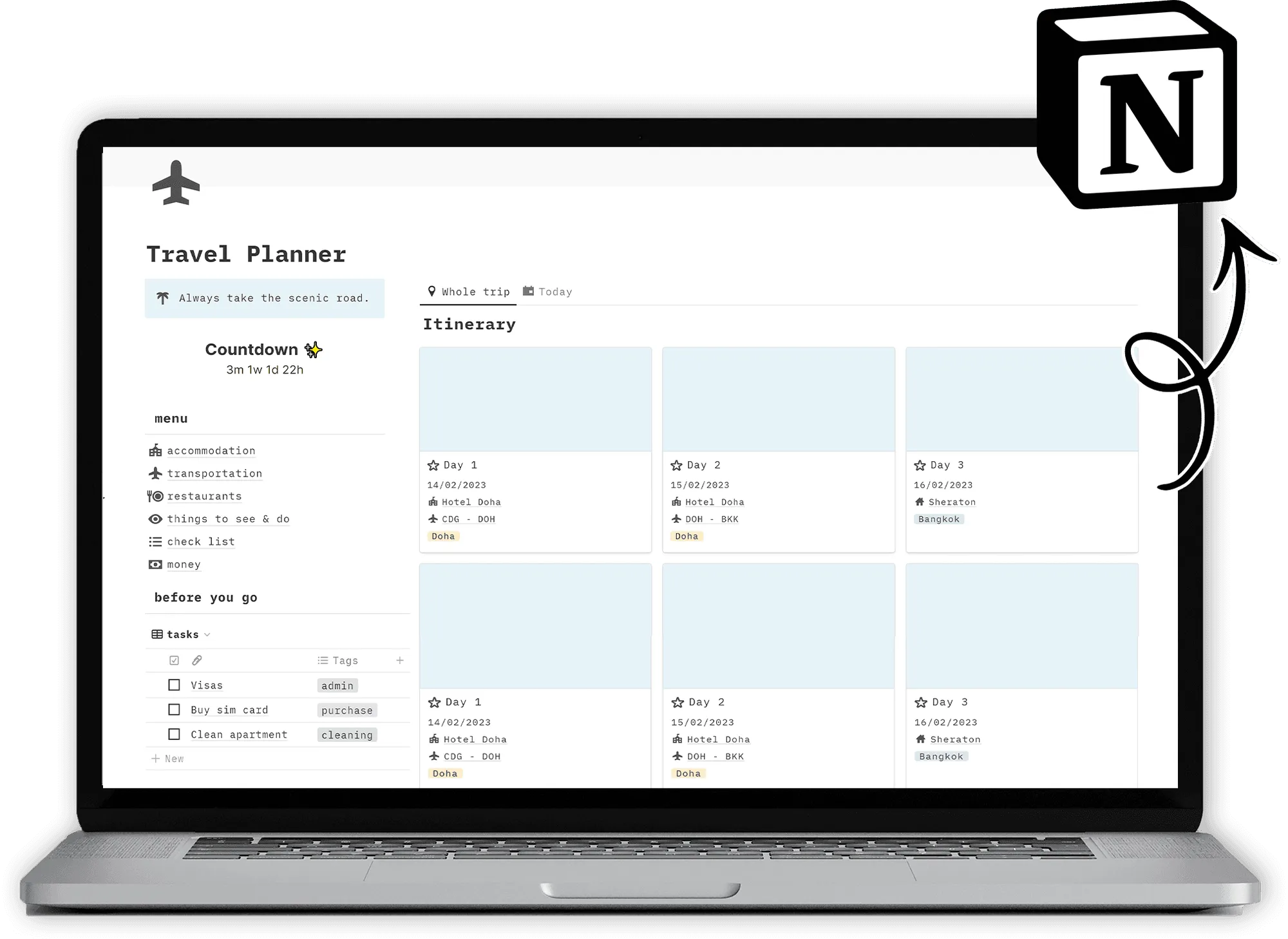
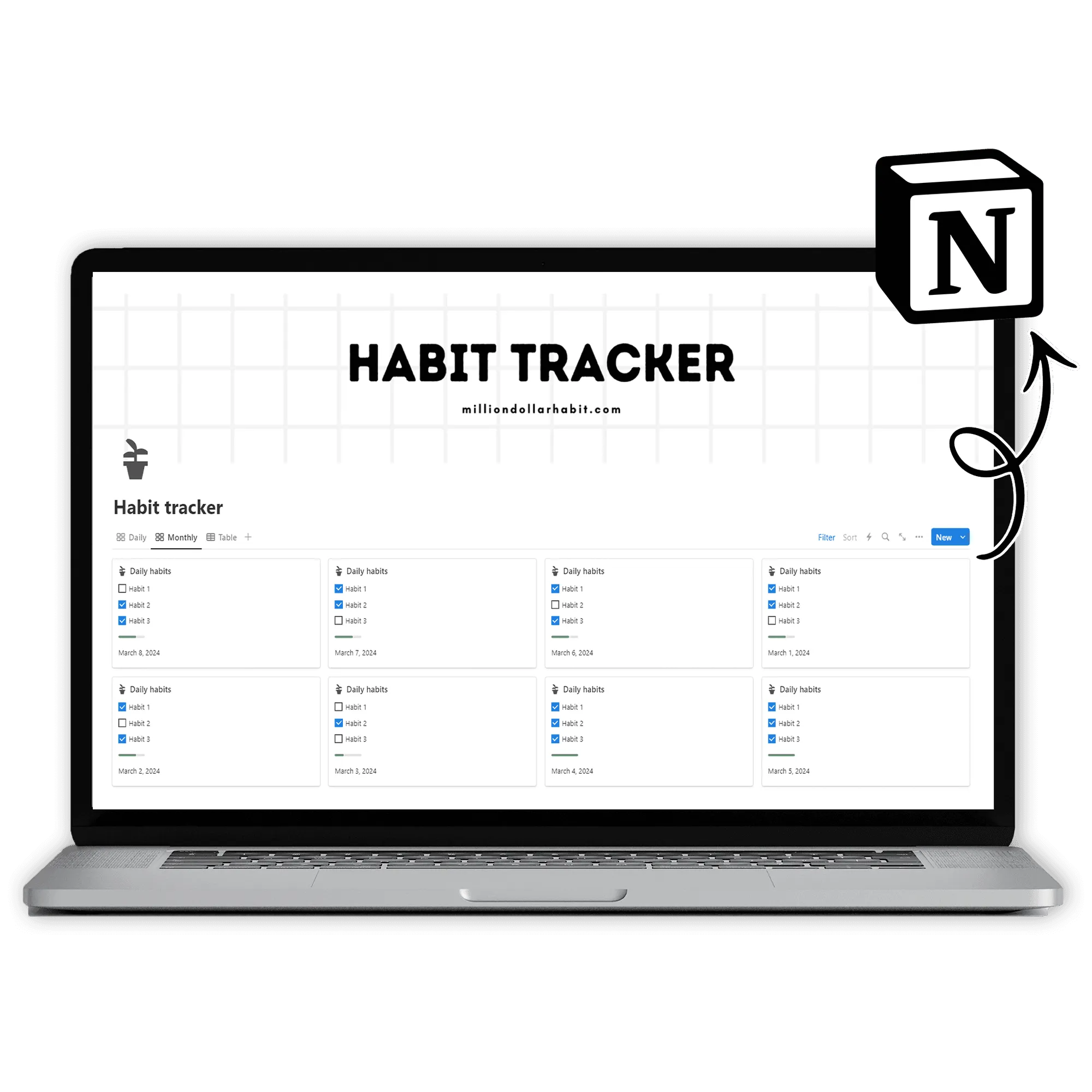
No stripped-down demos, no locked features. These are the real, aesthetic Notion templates I use myself, yours to duplicate and keep all year on the free Notion plan. Each one comes pre-filled with examples, so you start with something that already works instead of a blank page staring back at you.
How to Use These Notion Templates
Drop your email above and I'll send the whole free library straight to your inbox
- Open any template and hit Duplicate to copy it into your own Notion
- Use it anywhere: desktop, iPad or phone, all on the free plan
- Every section comes pre-filled with examples, so you're never starting from scratch
- Make it yours: rename, recolor and rearrange in seconds
What You Need to Get Started
Drop your email above and I'll send the whole free library straight to your inbox
- Open any template and hit Duplicate to copy it into your own Notion
- Use it anywhere: desktop, iPad or phone, all on the free plan
- Every section comes pre-filled with examples, so you're never starting from scratch
- Make it yours: rename, recolor and rearrange in seconds
FAQ
Frequently Asked Questions
What are Notion templates?
Notion templates are pre-built pages and dashboards designed to help you plan, organize, and track different areas of your life or business inside Notion. They save you time by giving you a ready-to-use structure you can customize.
Is this a digital planner or a Notion workspace?
These are Notion templates, not PDF planners. They live entirely inside Notion and use databases, properties, views, and automations that are native to the app.
Do I need Notion Pro or a paid plan?
No. Most Notion templates work perfectly on the free Notion plan. If a feature requires a paid plan (like advanced automations), it will always be clearly stated.
Can I use Notion templates on iPad and mobile?
Yes. Notion templates work on:
Desktop (Mac & Windows)
iPad
iPhone
Android devices
For the best experience, we recommend using Notion on desktop or iPad.
Are there multiple versions coming?
Yes. New Notion templates, layouts, and updated versions are released regularly. Subscribers will be the first to know when new versions or expansions go live.
How do I add the template to my Notion account?
After purchase, you’ll receive a link:
Open the link in Notion
Click “Duplicate” in the top-right corner
Choose the workspace where you want to use it
The template will be added instantly.
Is this compatible with GoodNotes or iPad PDF planners?
No. Notion templates are not compatible with GoodNotes or other PDF-based planner apps. If you’re looking for an iPad planner, check out the GoodNotes planners instead.
Is this suitable for beginners?
Yes. These Notion templates are designed to be beginner-friendly, with clear structure and intuitive layouts, no advanced Notion knowledge required.