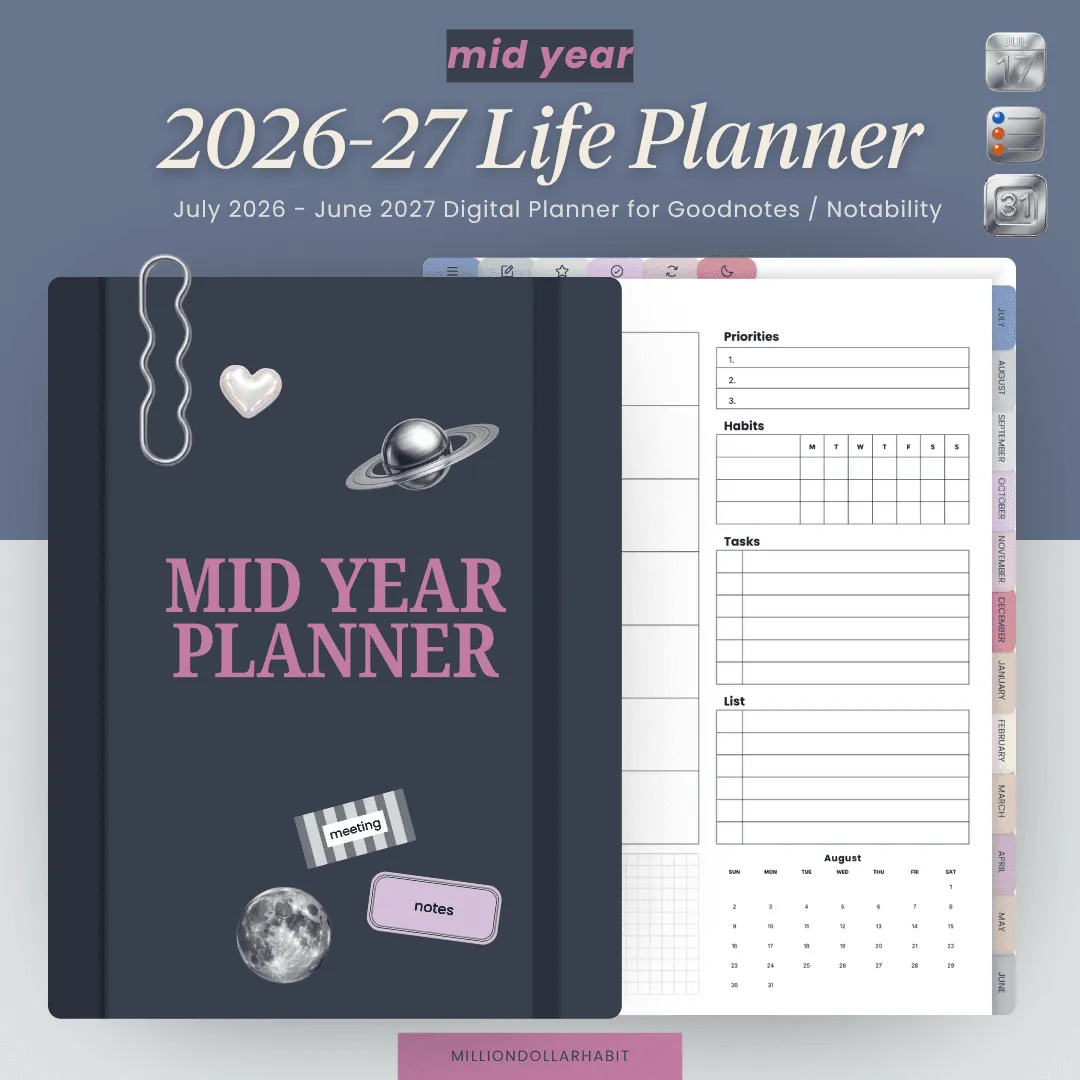
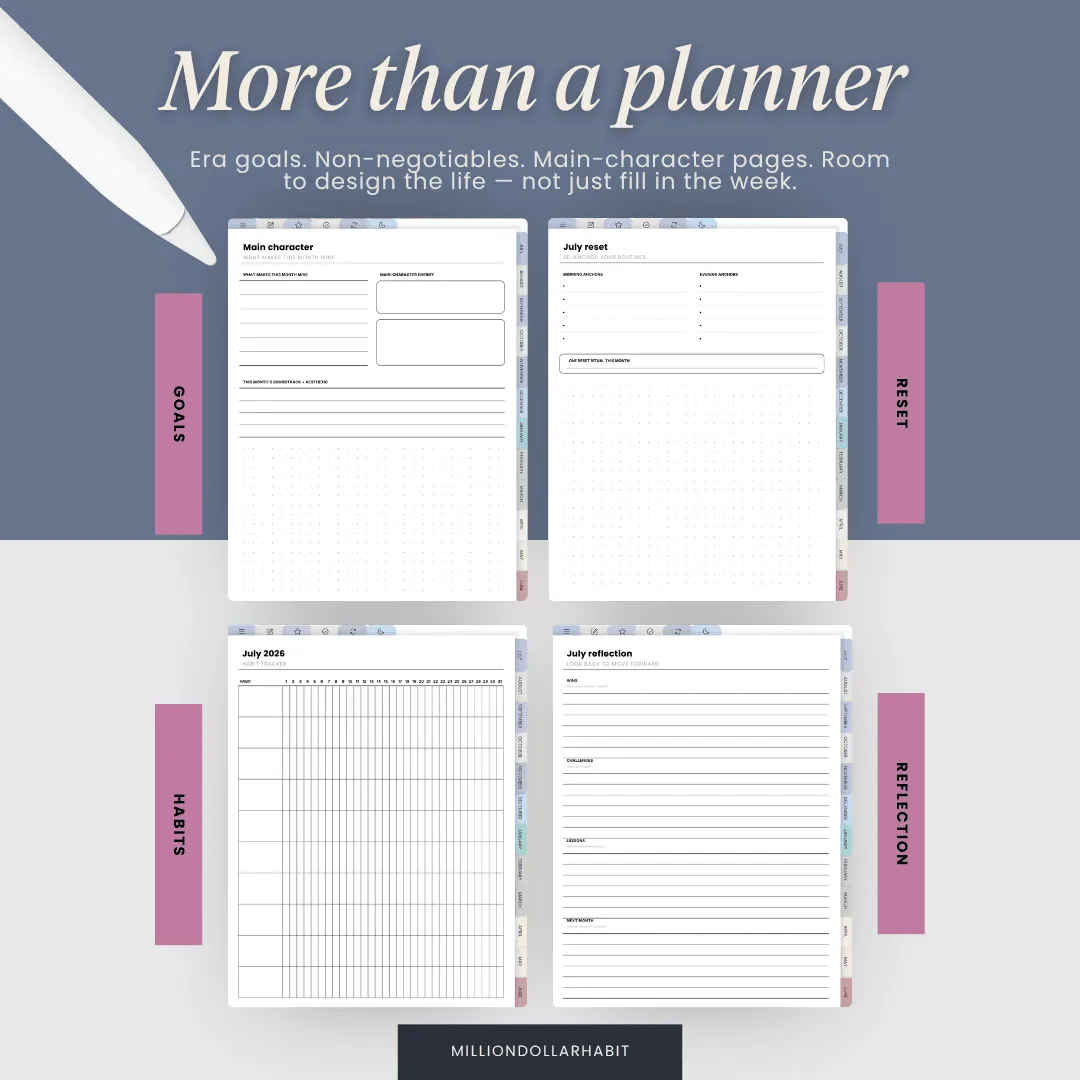
Plan the life, not just the week. Era goals, non-negotiables and a monthly main-character list, with room to think about the year you actually want.
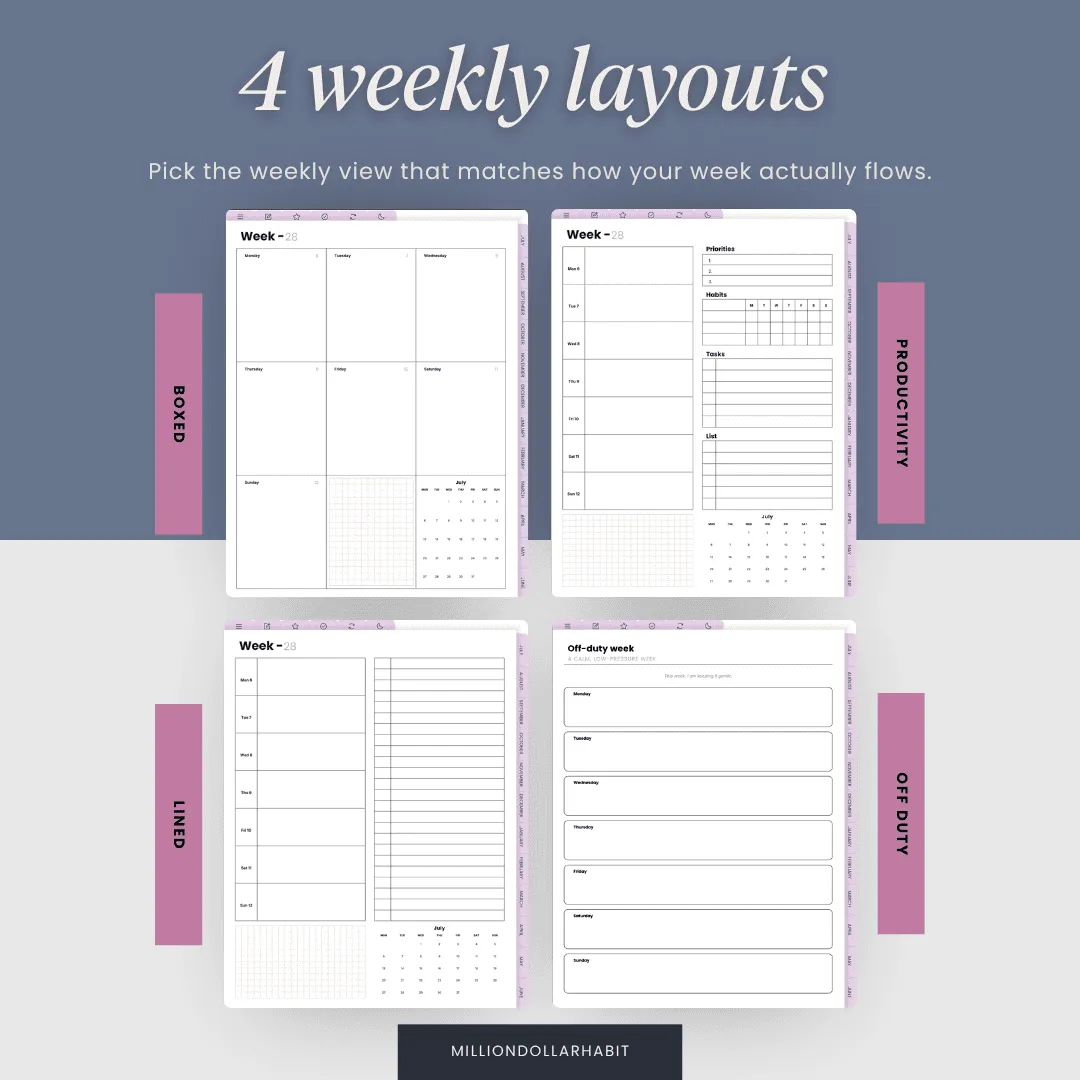
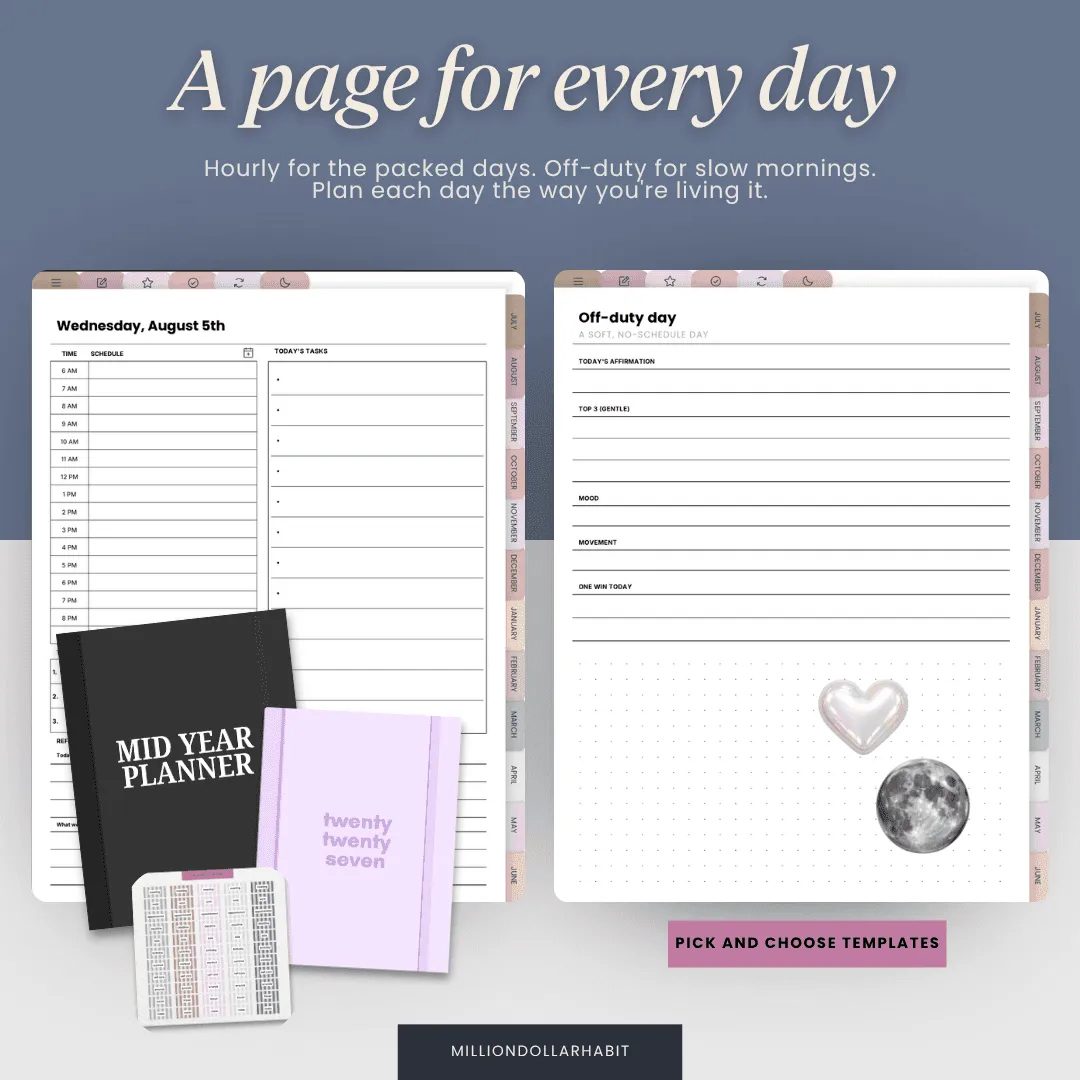
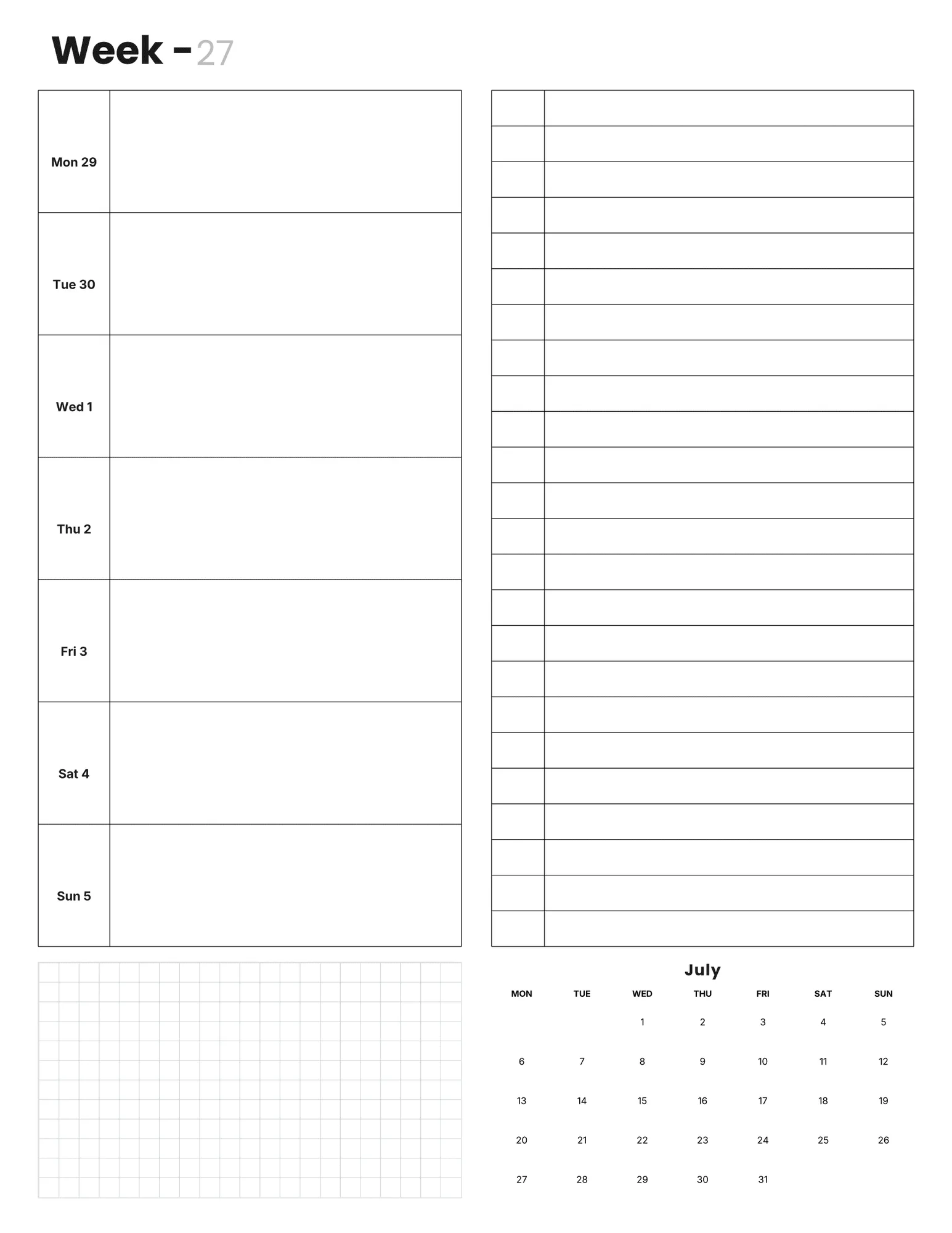
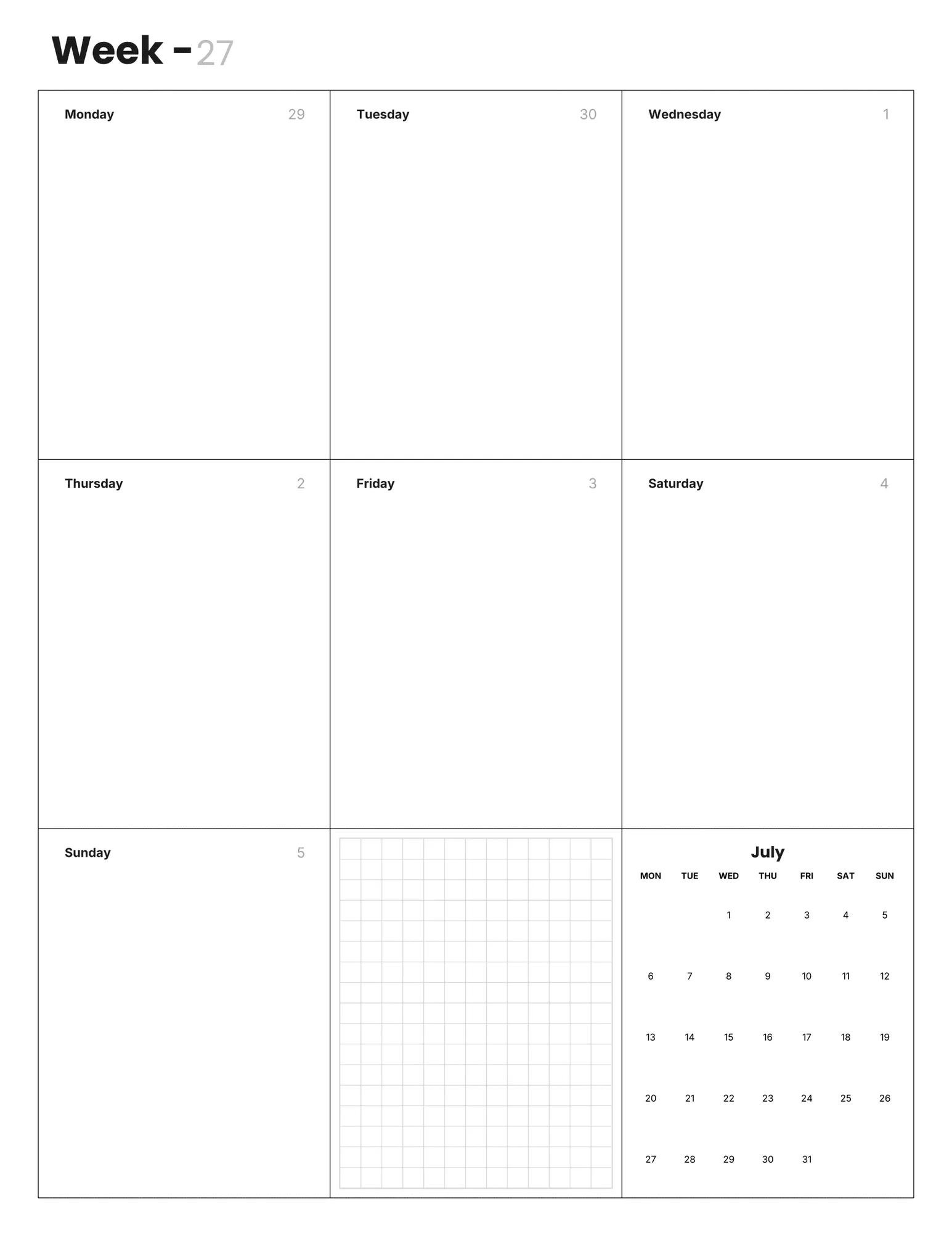
Choose how you plan. Four weekly layouts (boxed, productivity, lined and off-duty) and two daily styles, hourly or off-duty. Switch anytime.
Off-days are built in. A monthly reset menu and off-duty pages for the weeks life isn't a to-do list.
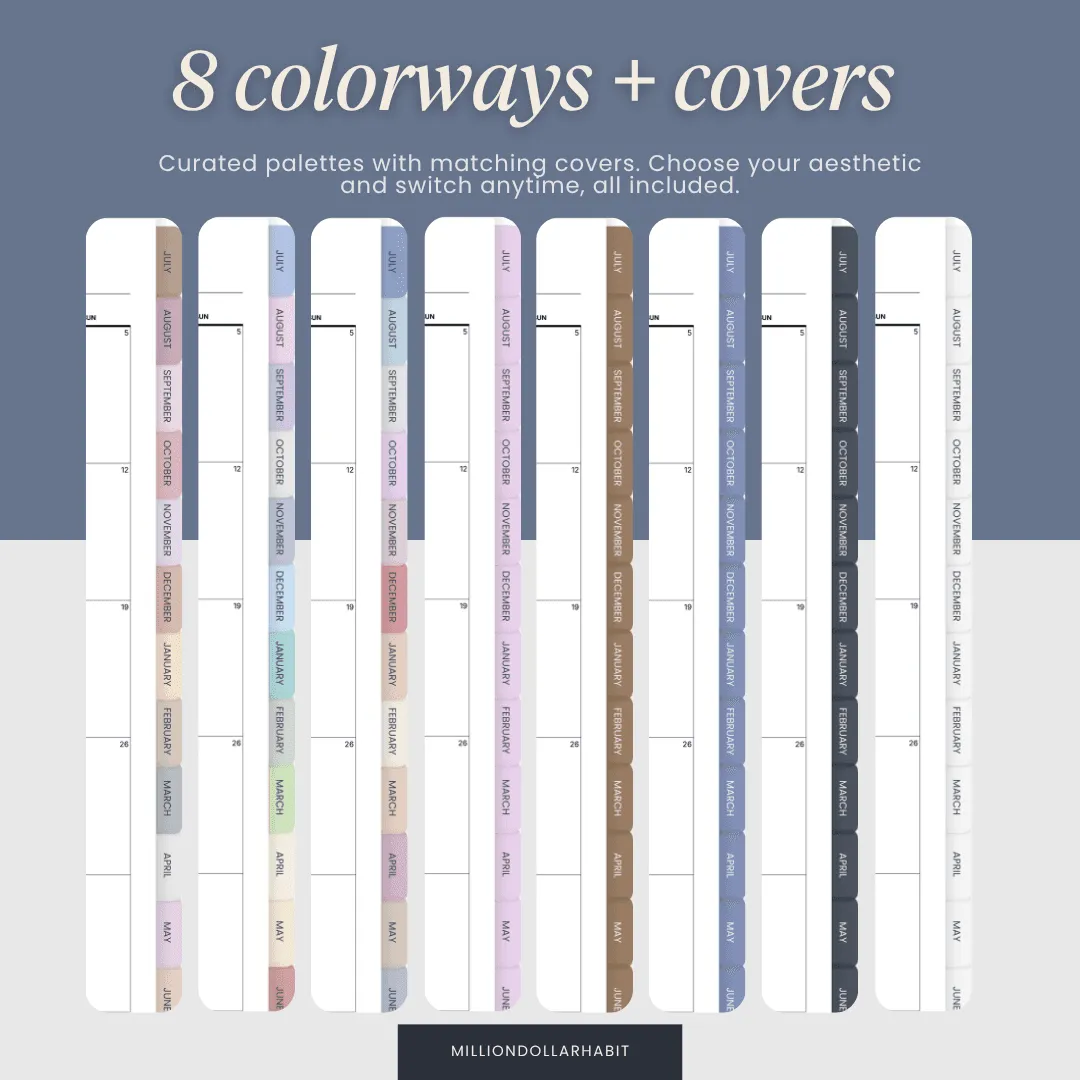
Make it yours. Eight colorways with matching covers and 35 app icons. Build your exact setup with the Planner Creator.
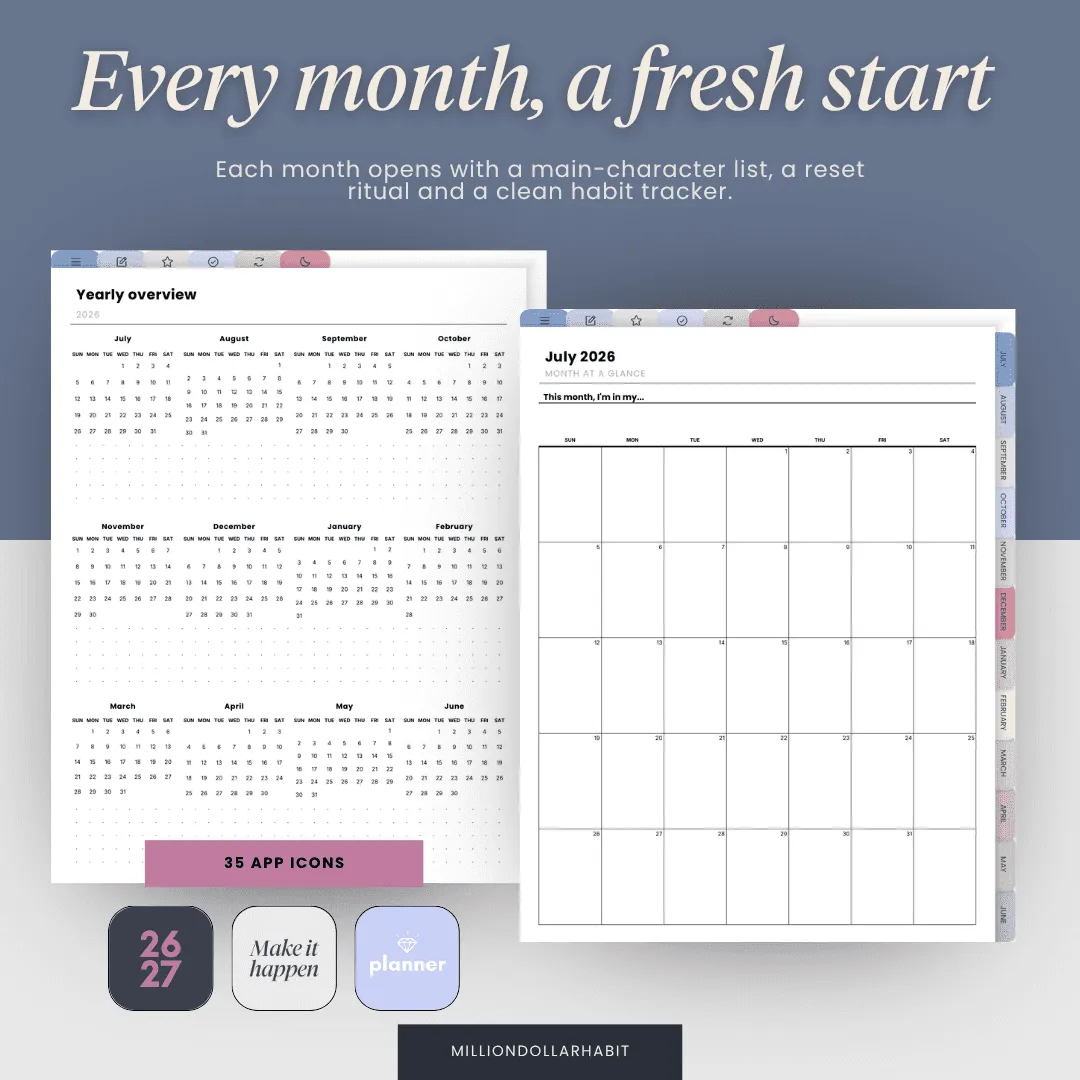
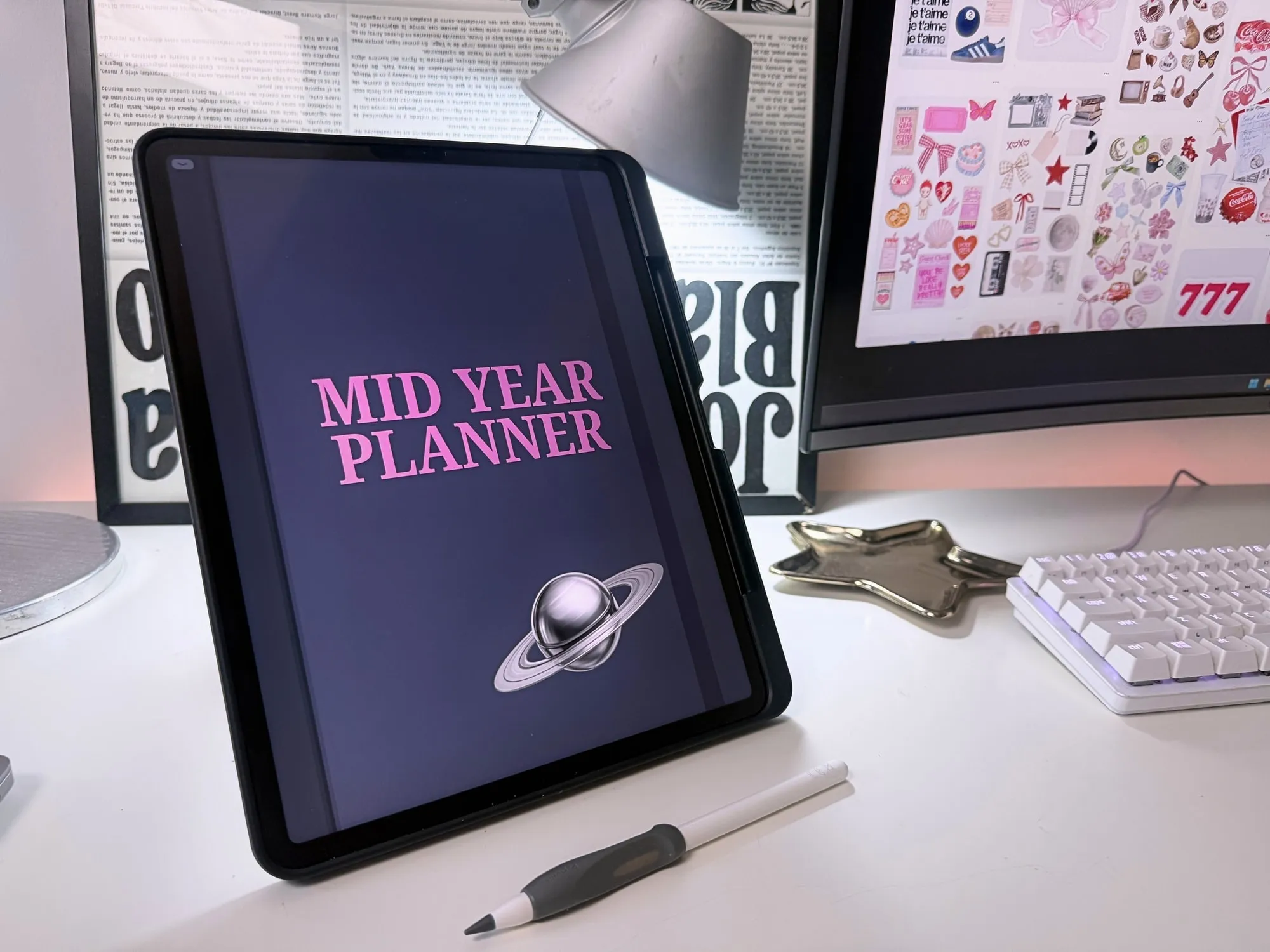
The Mid-Year Life Planner is a full, dated year (July 2026 to June 2027) that you can start the day you decide to.
It's the whole life-planning system, built to feel calm instead of overwhelming.
This is a digital download — no physical items are shipped. You'll get a link to download your files right after purchase.
Because it's a digital product, all sales are final: no refunds or exchanges.
Get your files instantly after purchase
Fully hyperlinked PDF planner
Works with GoodNotes, Notability and more
Includes the Apple & Google calendar shortcut
One-time purchase — no subscription
Included with your planner
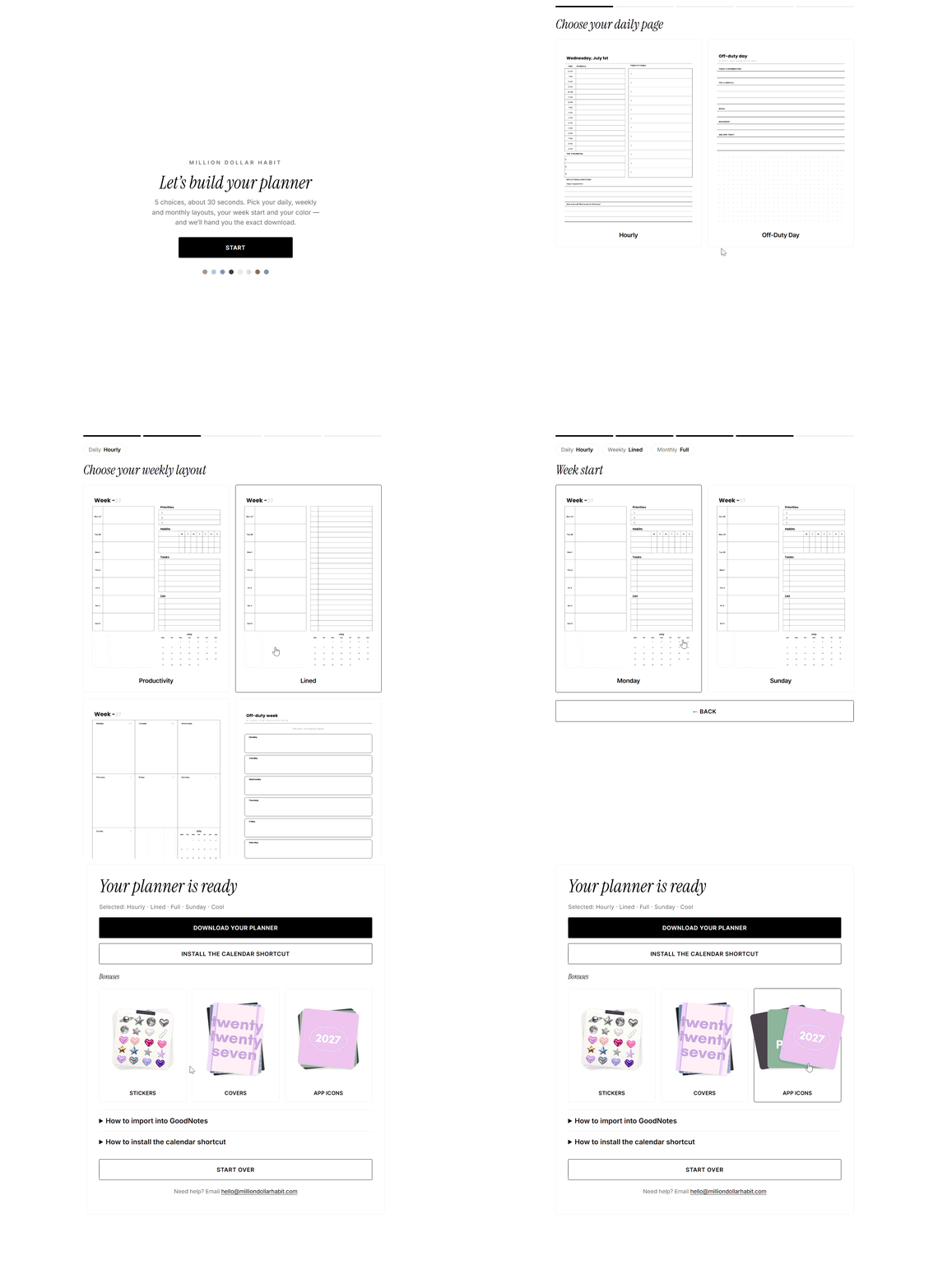
Build your exact planner
After purchase you get the Planner Creator — answer five quick questions and download the planner built your way. Change your mind anytime; every combination is included.
Pick your layouts — Weekly style, daily style and your week start — Monday or Sunday.
Choose your colorway — Eight palettes with matching covers. Switch anytime, all included.
Download & import — Your exact planner, ready for GoodNotes, Notability and more.
Included free with your planner
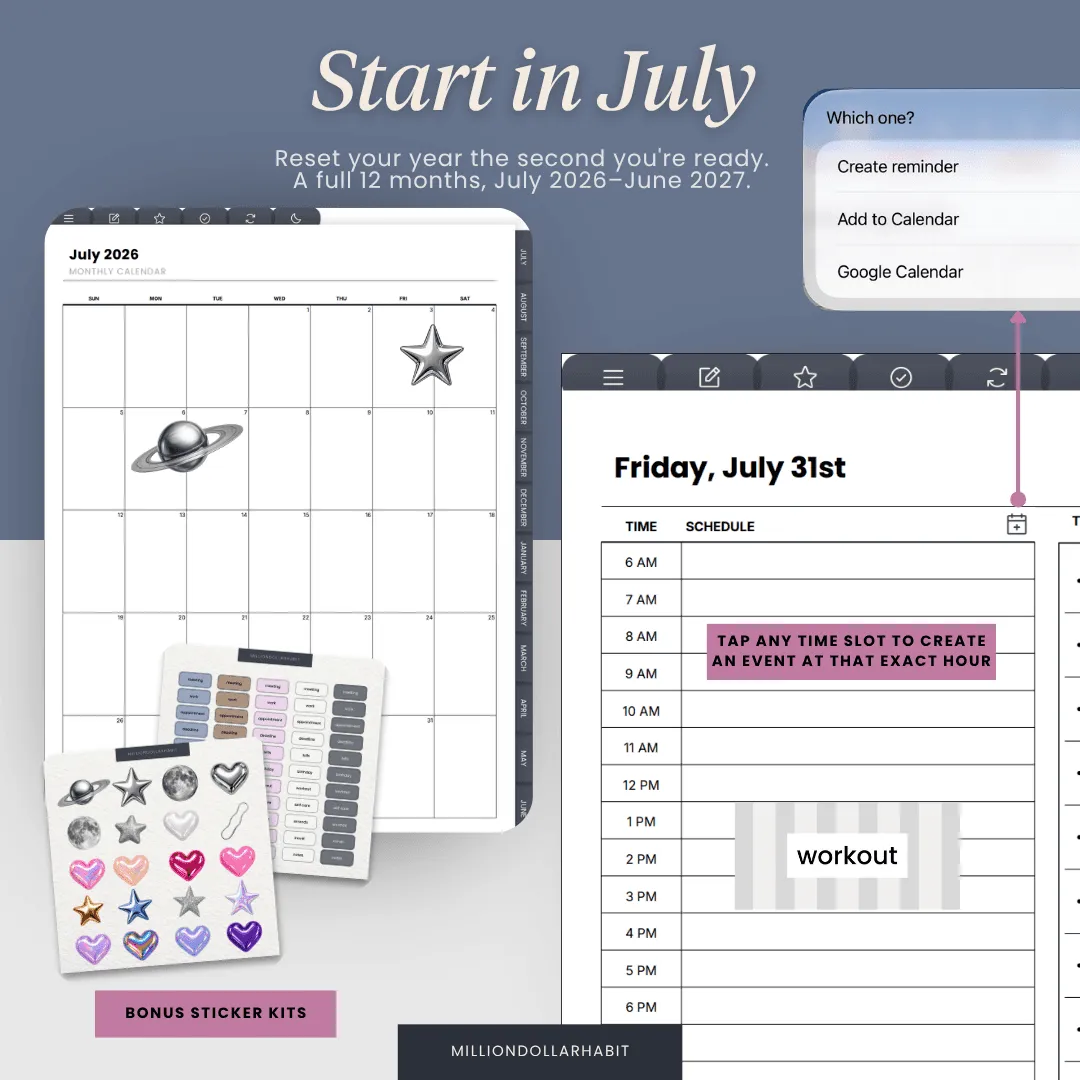
Tap a date — it's in your calendar
Send any day or time straight to Apple Calendar, Reminders, or Google — without leaving the planner. One free Shortcut, installed once.
Reminders
Apple Calendar
Google Calendar
Tap the date, land on the day
Every dated page links to the exact day — your calendar opens right there, ready for a new event.
Hourly + 30-min on daily pages
On daily pages, tap any time slot to create an event at that exact time.
Set a reminder in a tap
Send a task to Apple Reminders with the due date already filled in.
Swipe through the layouts in
The Mid-Year Planner
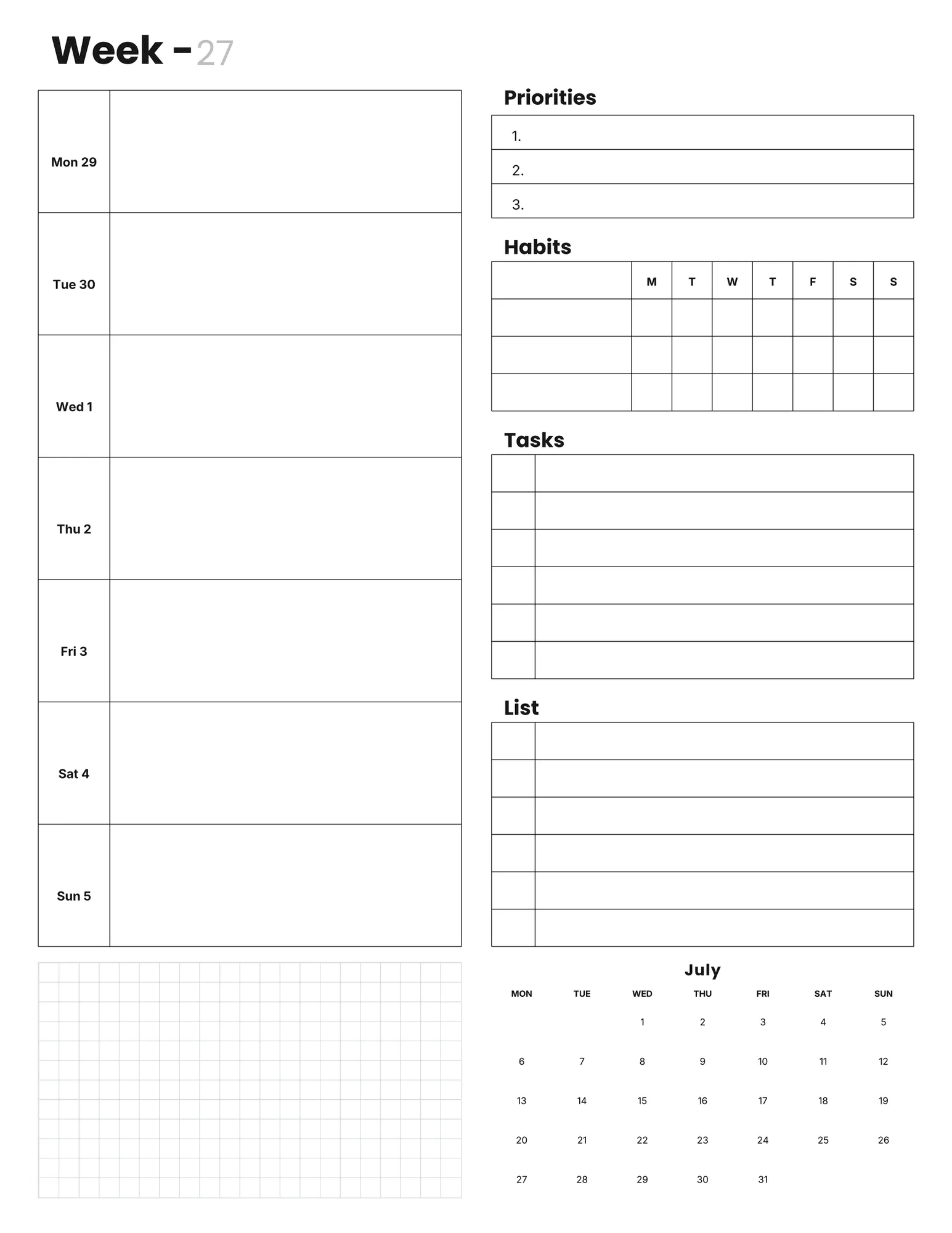
Productivity weekly
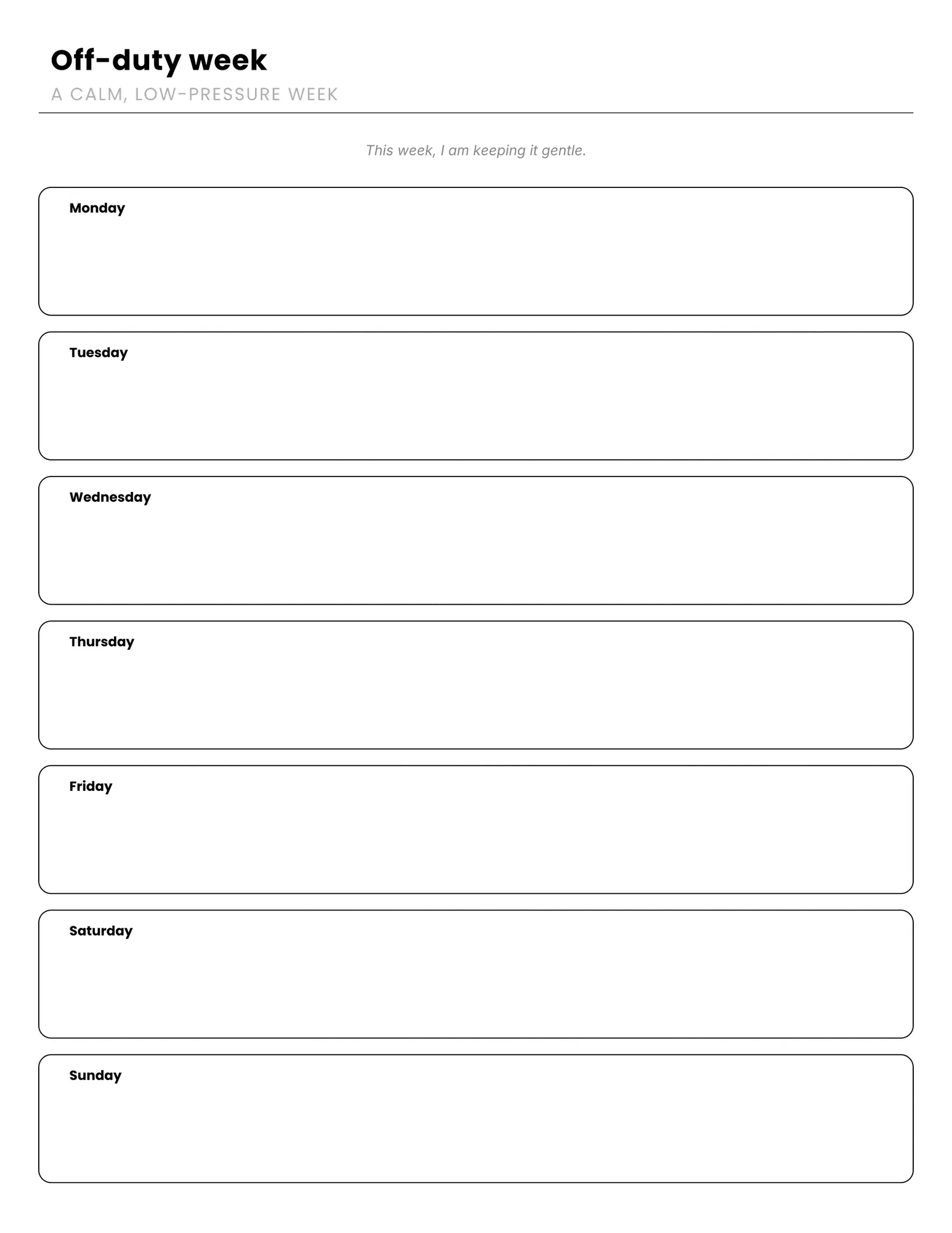
Off duty weekly
Lined weekly
Boxed weekly
What's inside
You'll get
Planner Creator PDF for file access and customization
Digital planner — Monday and Sunday start
8 colourways + matching covers
35 app icons
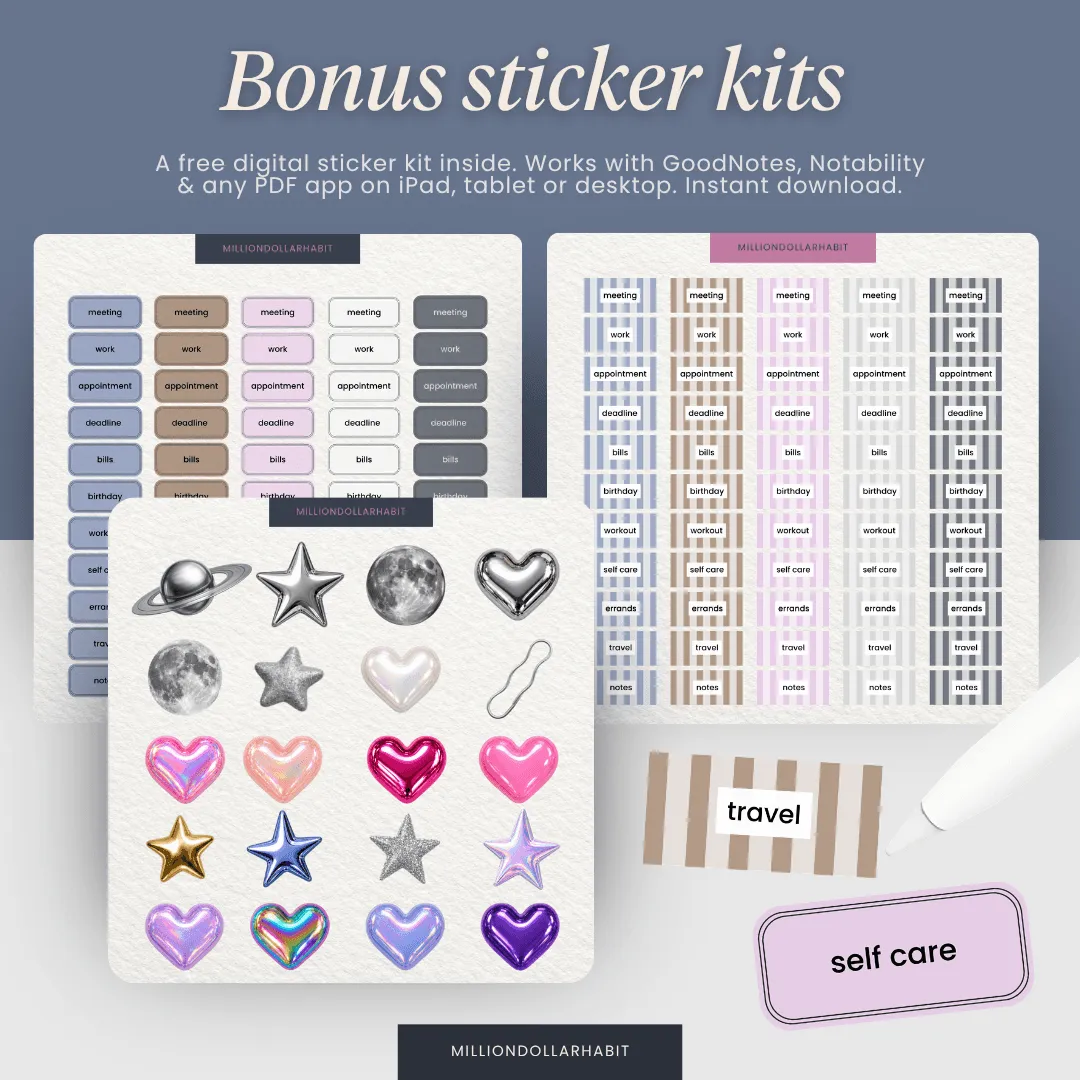
Bonus digital sticker kit (cutout and functional)
Apple and Google calendar shortcuts
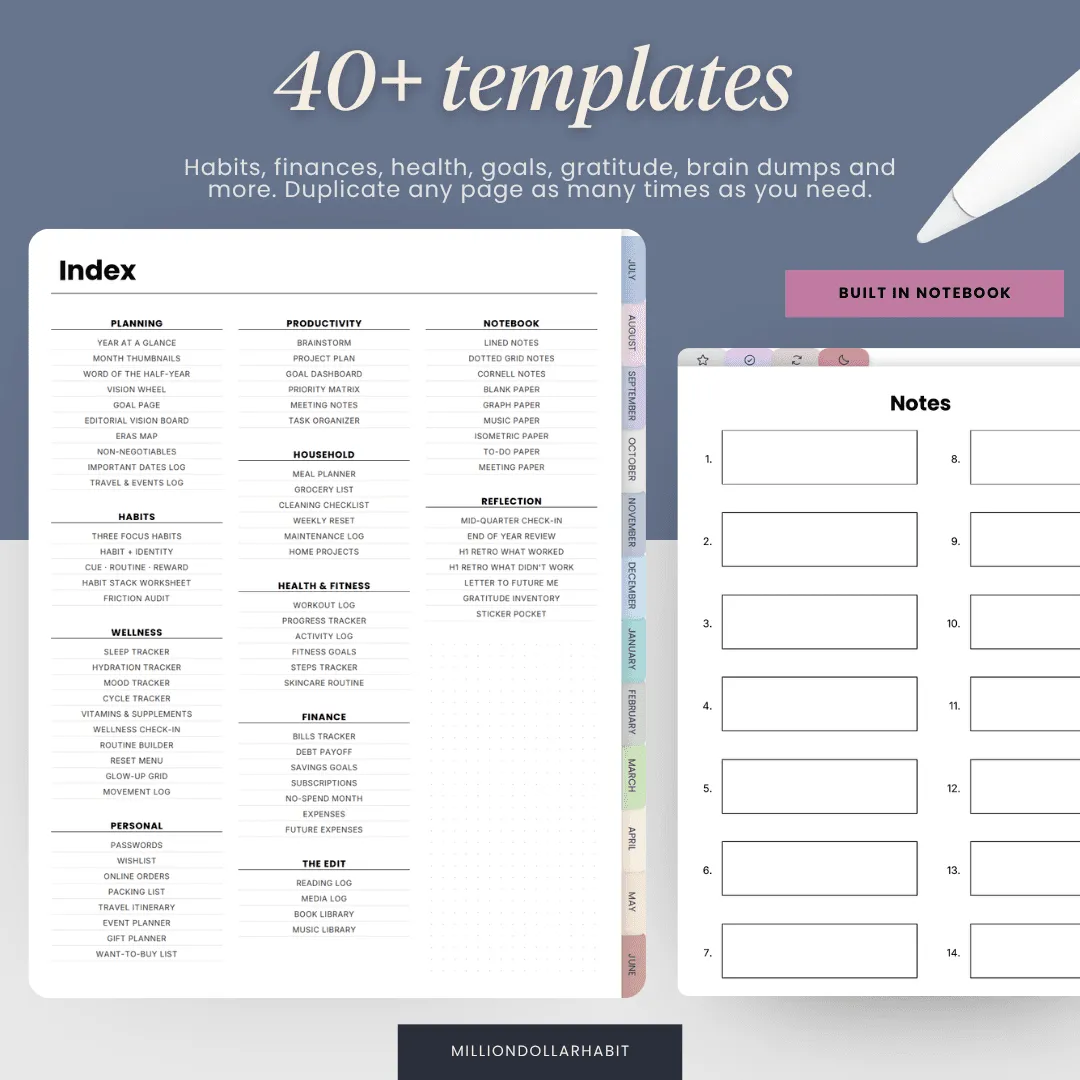
Inside the planner
Yearly overview, 5 goal pages, wheel of life, quarterly goals
12 dated monthly calendars (July 2026 to June 2027)
4 weekly layouts, plus hourly and off-duty daily pages
Monthly main-character list, reset page, habit tracker and review