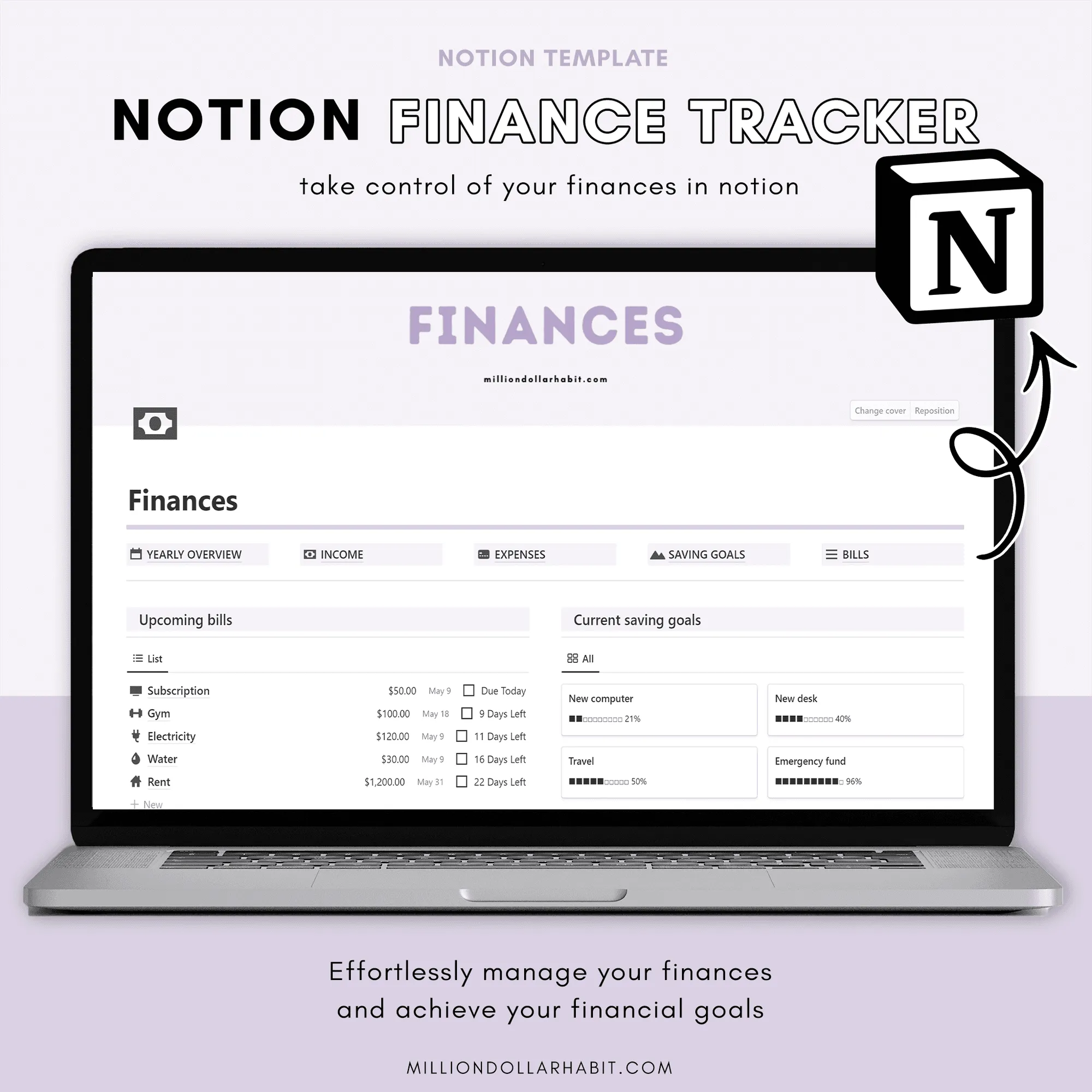
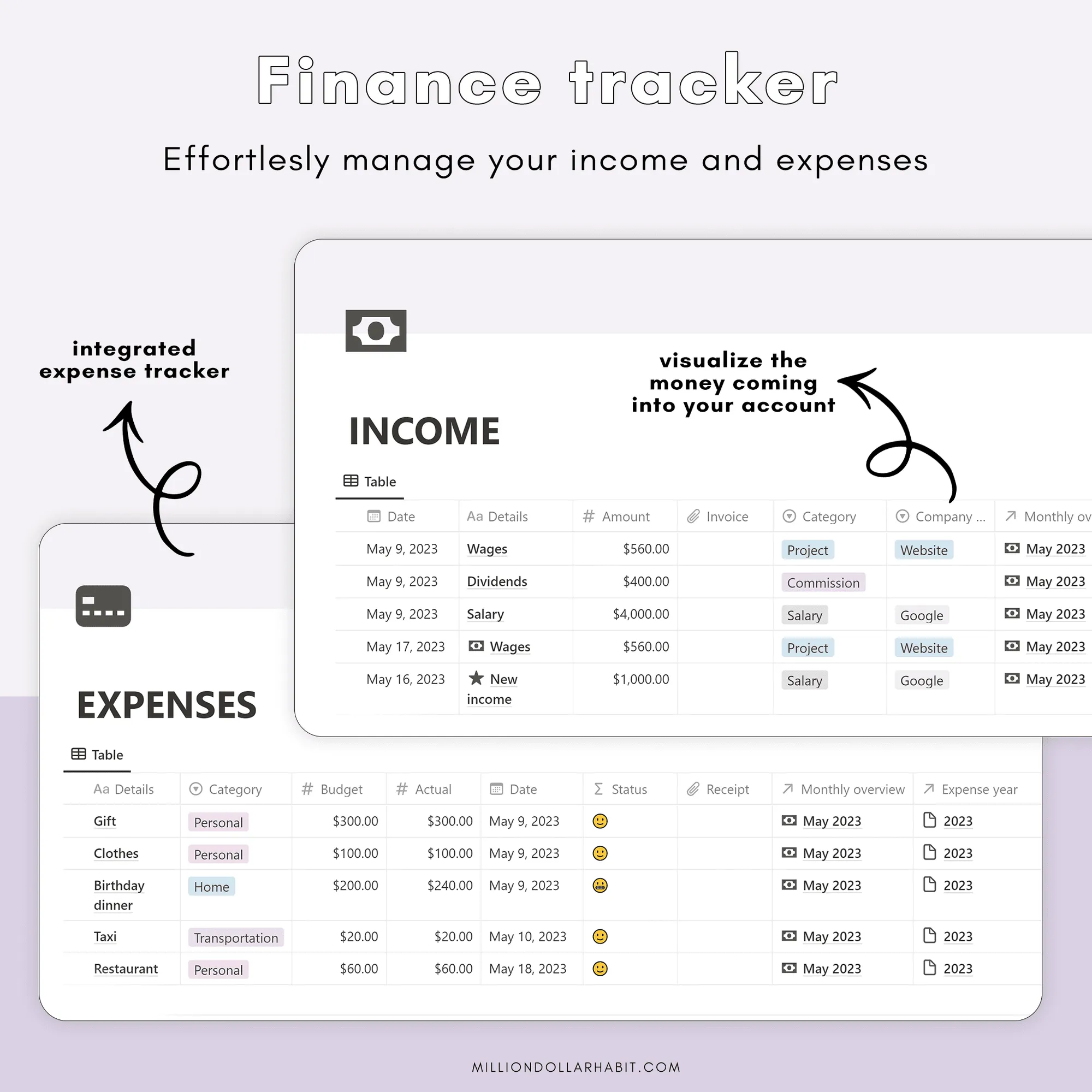
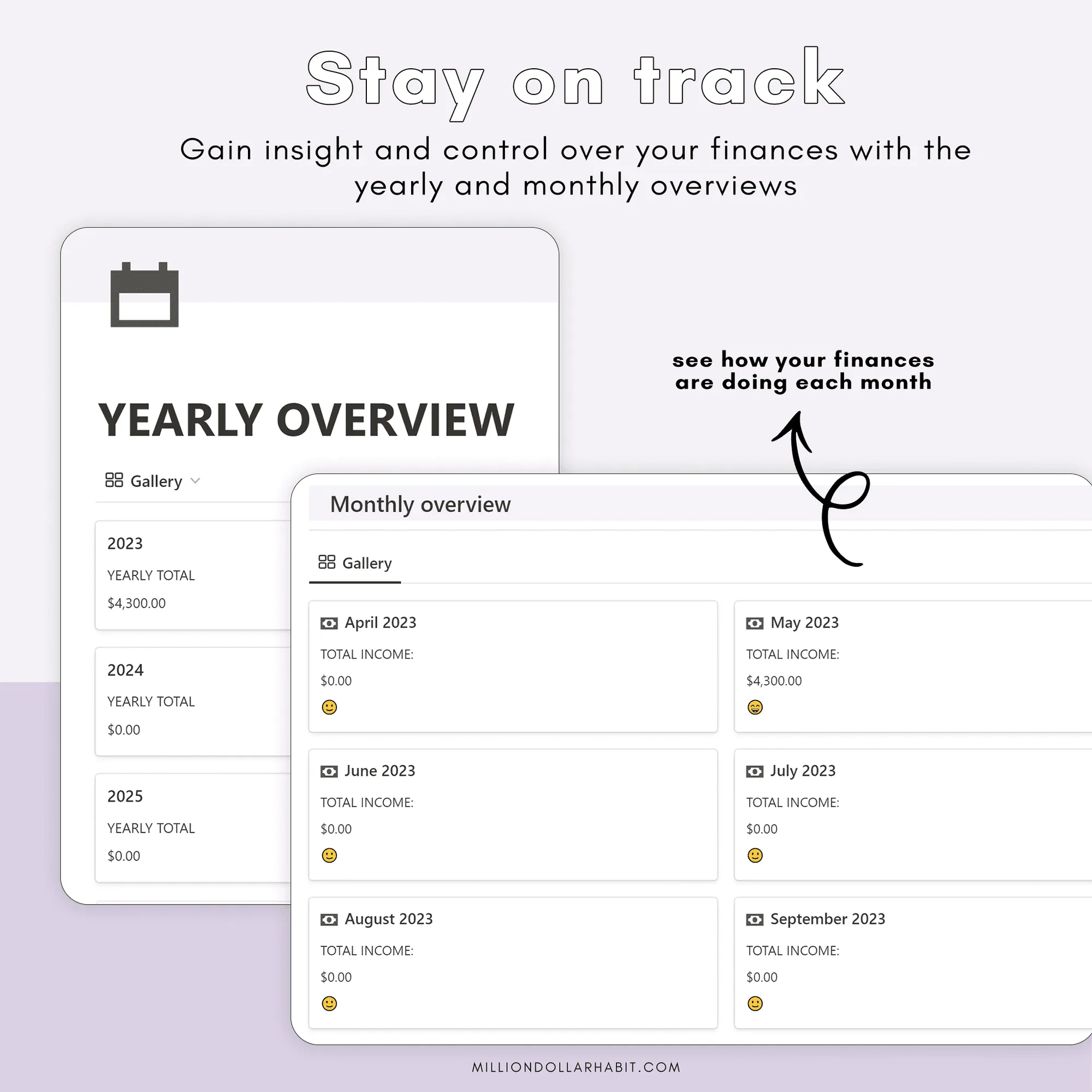
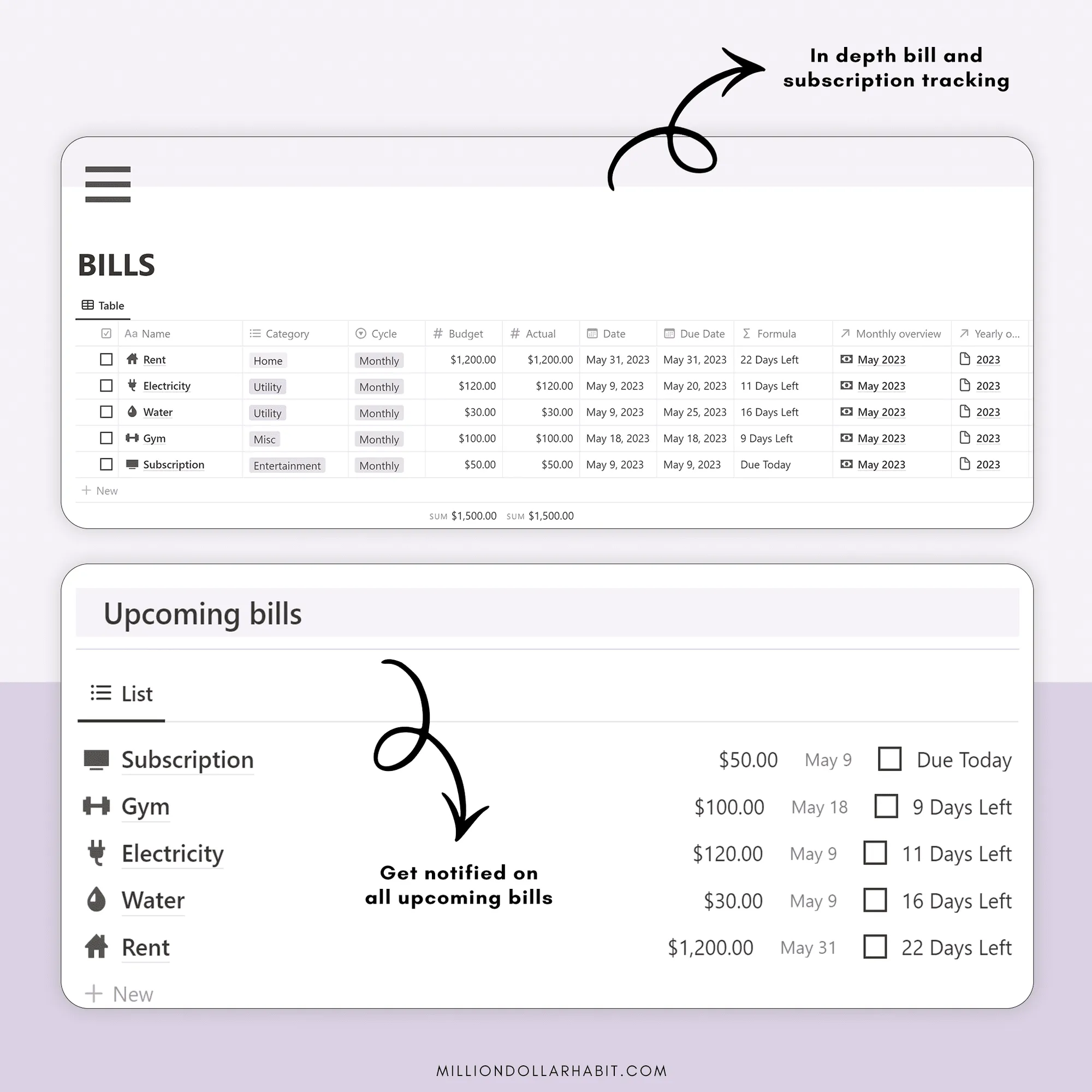
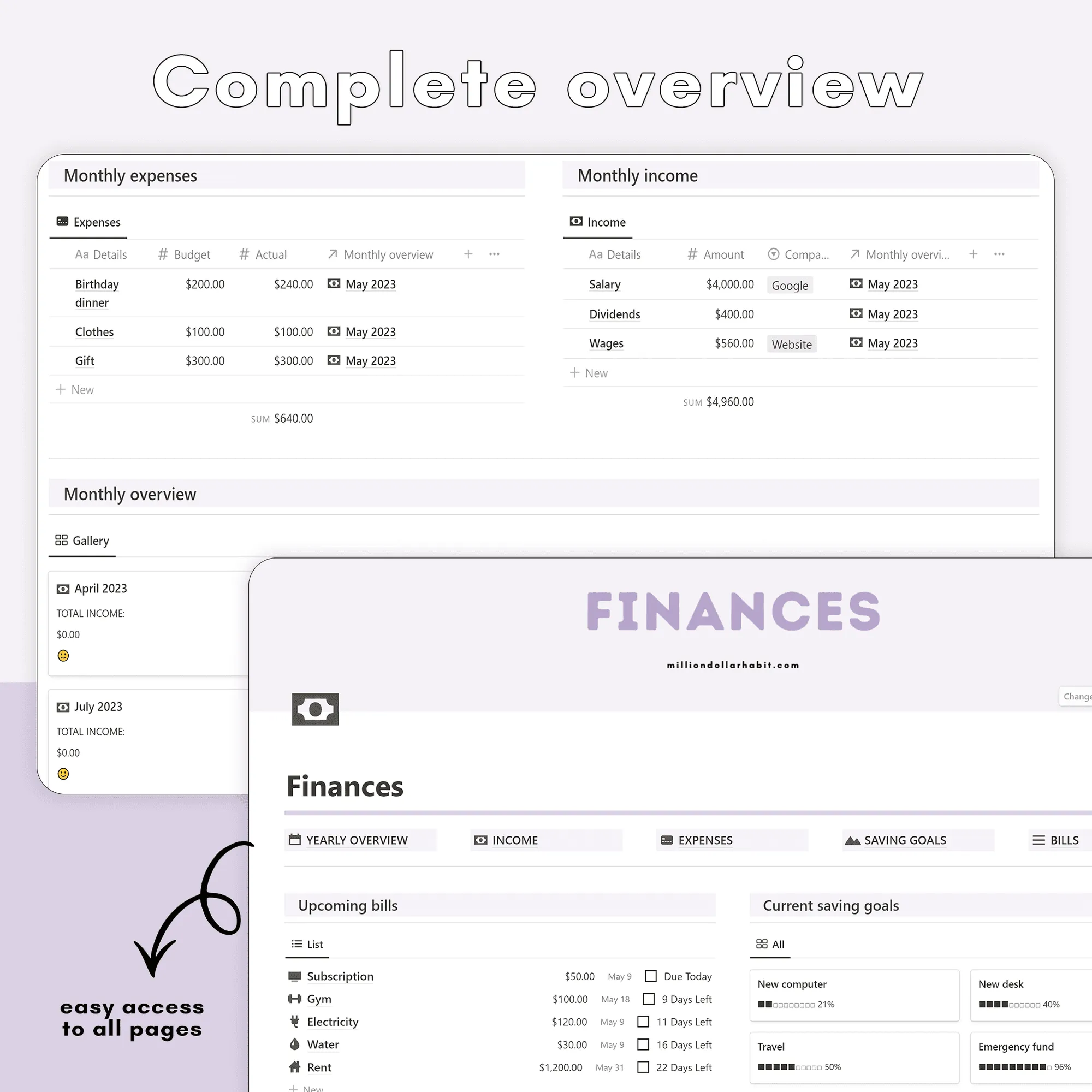
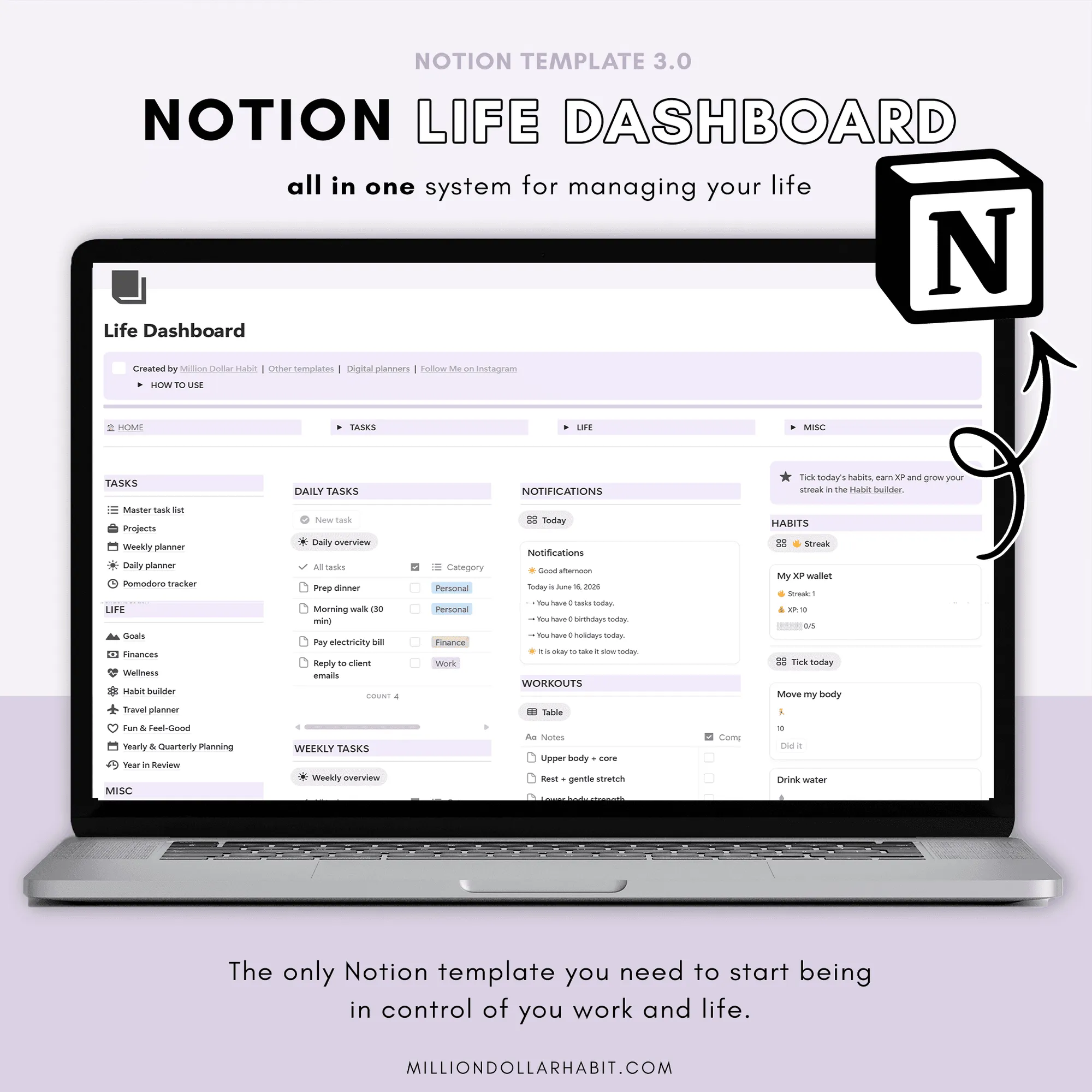
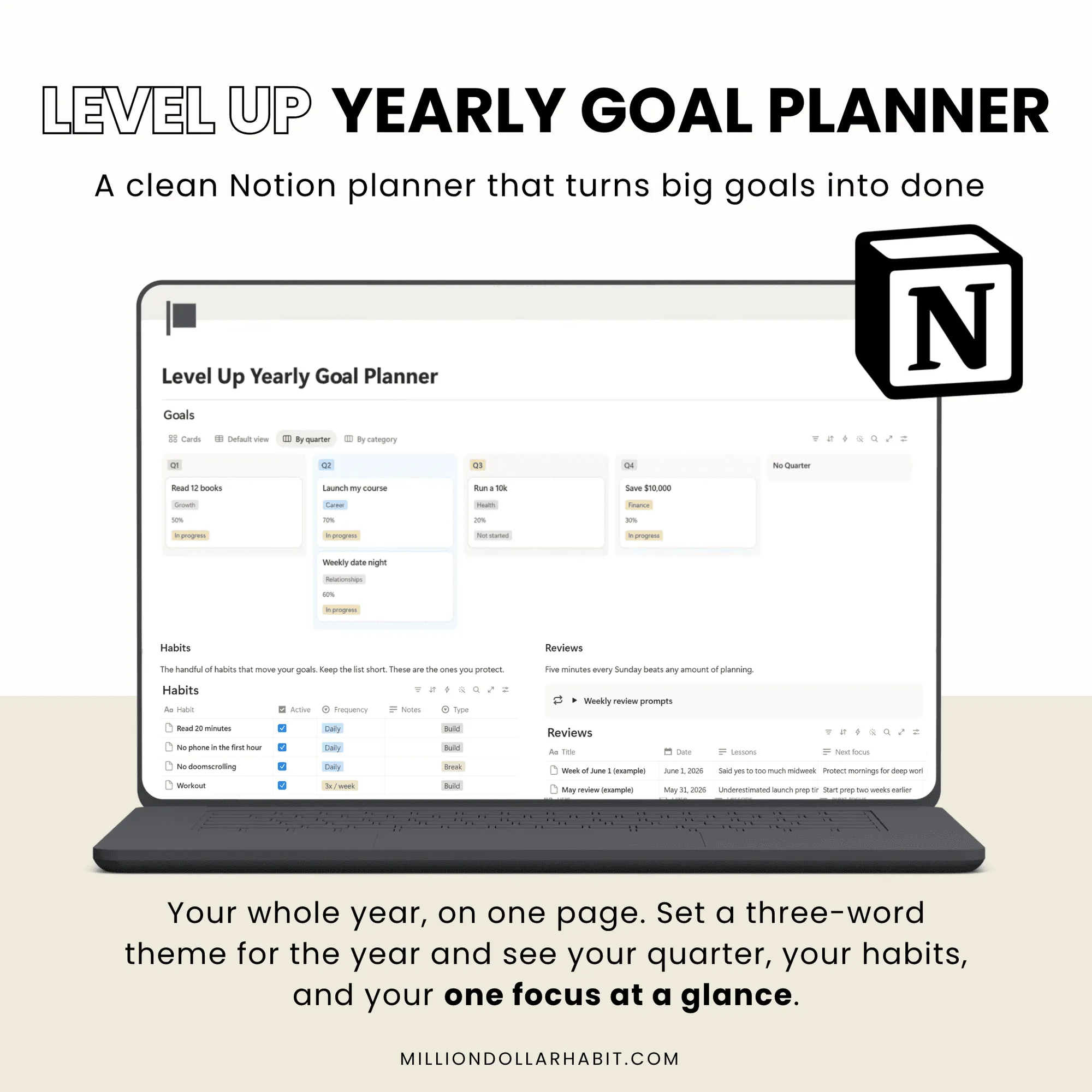
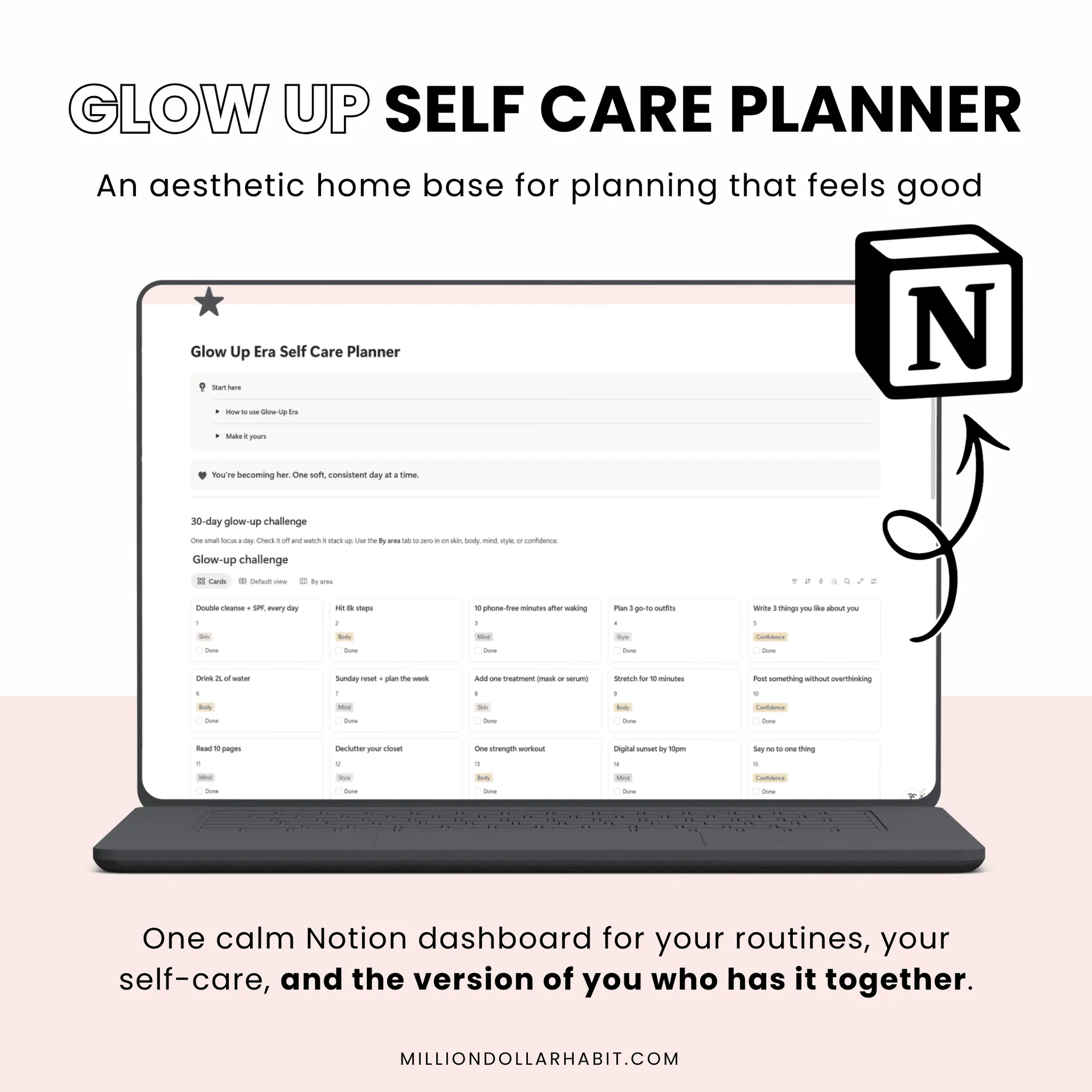
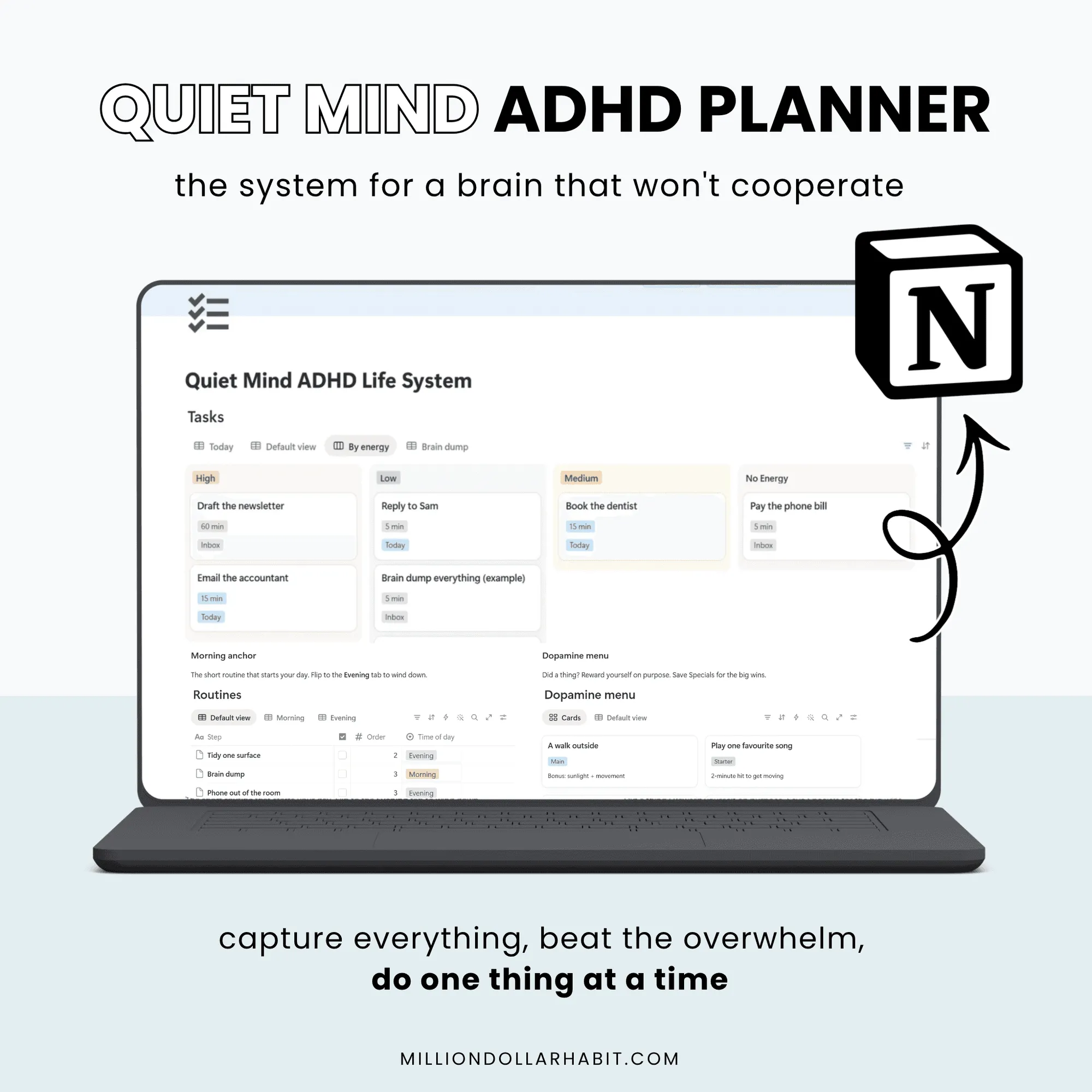
📆 The finance tracker features a monthly and yearly overview, allowing you to see your financial status at a glance. You can easily track your income and expenses, categorize your transactions, and monitor your spending habits.
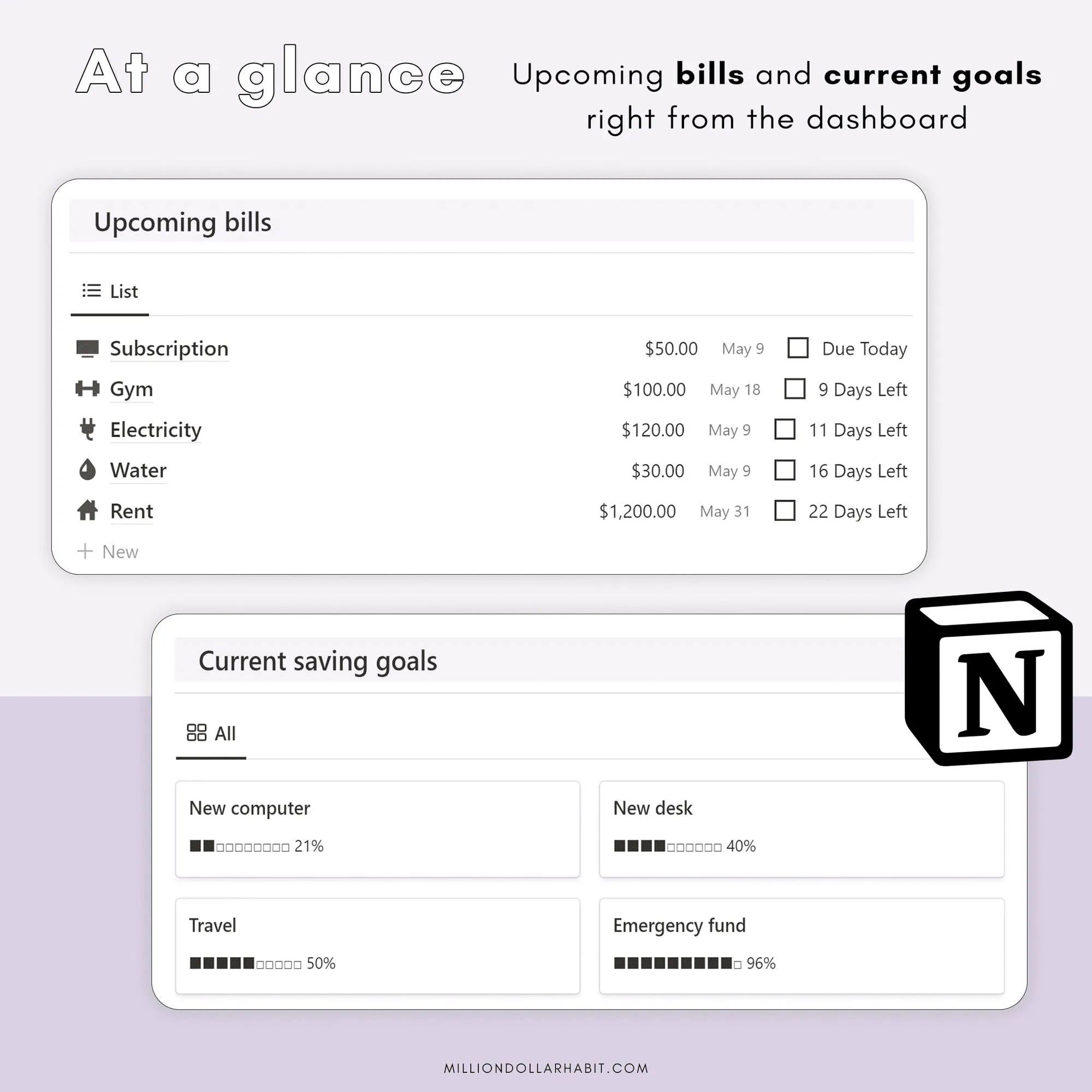
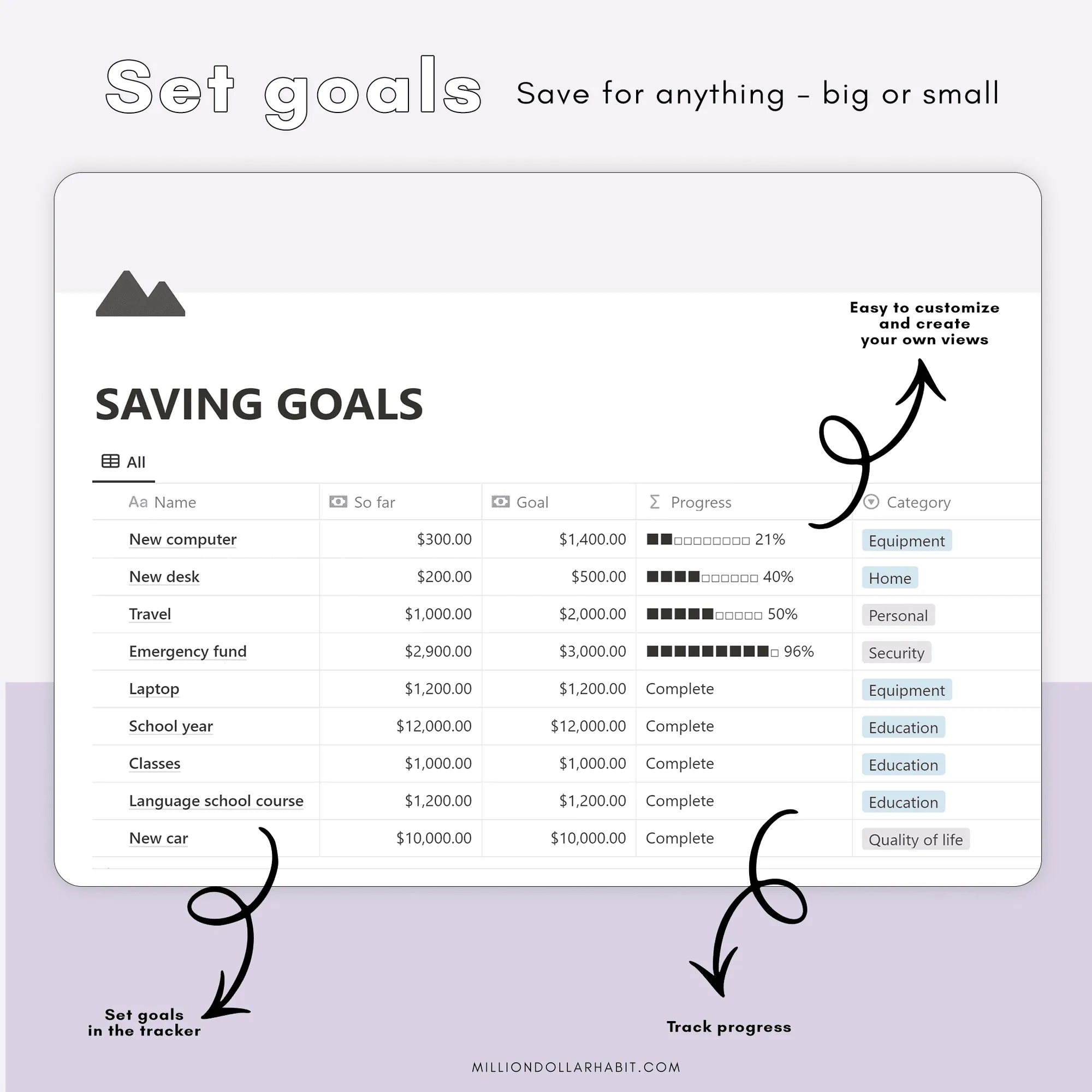
With the finance tracker, you can also set savings goals and track your progress towards them.
💵 The dashboard provides an intuitive way to visualize your financial data, making it easy to stay on track and make informed decisions.
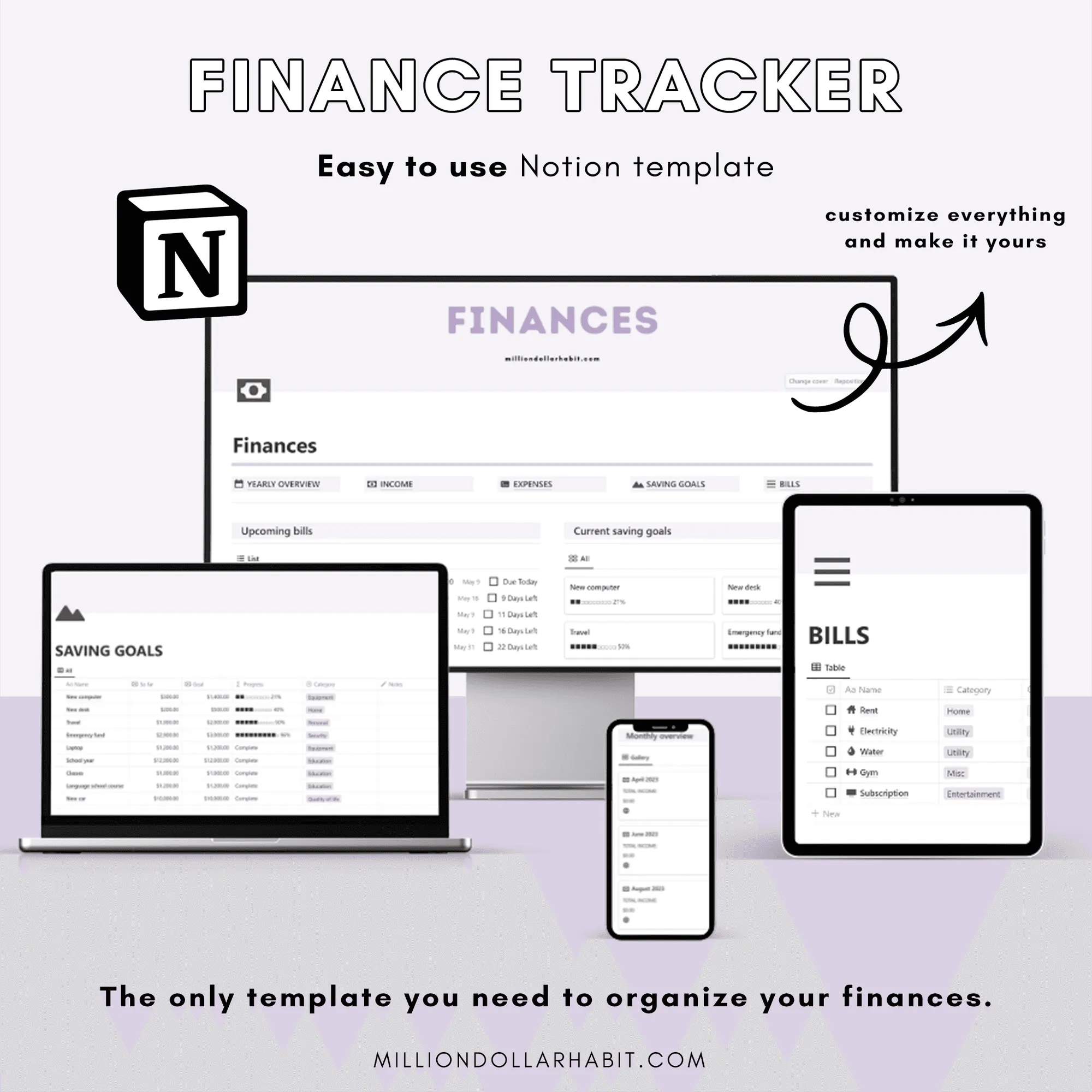
The Notion Finance Planner is the ultimate tool for managing your finances with ease. With a clean and organized all-in-one dashboard, you can stay on top of your budget, track your expenses, and monitor your savings goals.
What's inside?
💰 Designed to simplify the process of financial tracking, this template helps you to take control of your finances without the need for complicated spreadsheets or accounting software.
The finance tracker template is perfect for anyone who wants to simplify their financial management process. Whether you're a freelancer, small business owner, or simply looking to keep your personal finances in check, this template is designed to help you maximize your savings potential and achieve your financial goals.
With the Notion Finance Tracker, you can:
• Easily track your income and expenses
• Monitor your savings goals and progress
• Categorize your transactions for better organization
• Gain a complete overview of your financial status
• Simplify your financial management process
• Achieve your financial goals with ease
Say goodbye to the hassle of financial tracking and start taking control of your finances! 👋
👉 Upon purchase, you will receive an instant download link to gain access to the template. Please note that this is a digital purchase, and no physical items will be shipped.
🌟 At Million Dollar Habit, we are committed to helping you lead your best life. Please feel free to message us at any time with questions or concerns.
Please note that this planner is only compatible with the Notion app.
The details
Format
Notion template
Works with
Notion on desktop (Mac & Windows), iPad, iPhone and Android
Includes
Monthly and yearly overview, income and expense tracking, savings goals
Delivery
Instant access link after purchase
Not for
Any app other than Notion
In their own words
Testimonials
Here's what our customers are saying about our planners. Trusted by over 45000+ customers worldwide.
★★★★★
Switched from three abandoned apps to this one and hit every weekly goal for the past two months.
★★★★★
The habit tracker guilt‑tags me just enough to get off Instagram and do the workout.
★★★★★
Icons and stickers drop in perfectly; my week now looks like a curated mood board
★★★★★
Haven’t bought a new “perfect” notebook in two months, which is a record for me.
★★★★★
The muted palette feels like a cozy café; planning doesn’t feel like work anymore
★★★★★
Switched from three abandoned apps to this one and hit every weekly goal for the past two months.
★★★★★
The habit tracker guilt‑tags me just enough to get off Instagram and do the workout.
★★★★★
Icons and stickers drop in perfectly; my week now looks like a curated mood board
★★★★★
Haven’t bought a new “perfect” notebook in two months, which is a record for me.
★★★★★
The muted palette feels like a cozy café; planning doesn’t feel like work anymore
★★★★★
I recommend it for the Focus Modes that hide non‑essential lists during deep work sessions.
★★★★★
Love how the minimal layout makes my messy notes look intentional instead of chaotic
★★★★★
I highly recommend them to anyone needing better organization. These Notion templates are fantastic!
★★★★★
I love that we get lifetime updates for the Life Dashboard, my favorite
★★★★★
I recommend it for the Focus Modes that hide non‑essential lists during deep work sessions.
★★★★★
Love how the minimal layout makes my messy notes look intentional instead of chaotic
★★★★★
I highly recommend them to anyone needing better organization. These Notion templates are fantastic!
★★★★★
I love that we get lifetime updates for the Life Dashboard, my favorite
These are Notion templates, not PDF planners. They live entirely inside Notion and use databases, properties, views, and automations that are native to the app.
Is this suitable for beginners?
Yes. These Notion templates are designed to be beginner-friendly, with clear structure and intuitive layouts, no advanced Notion knowledge required.
Is this compatible with GoodNotes or iPad PDF planners?
No. Notion templates are not compatible with GoodNotes or other PDF-based planner apps. If you’re looking for an iPad planner, check out the GoodNotes planners instead.
How do I add the template to my Notion account?
After purchase, you’ll receive a link:
Open the link in Notion
Click “Duplicate” in the top-right corner
Choose the workspace where you want to use it
The template will be added instantly.
Are there multiple versions coming?
Yes. New Notion templates, layouts, and updated versions are released regularly. Subscribers will be the first to know when new versions or expansions go live.
Do I need Notion Pro or a paid plan?
No. Most Notion templates work perfectly on the free Notion plan. If a feature requires a paid plan (like advanced automations), it will always be clearly stated.
Can I use Notion templates on iPad and mobile?
Yes. Notion templates work on:
Desktop (Mac & Windows)
iPad
iPhone
Android devices
For the best experience, we recommend using Notion on desktop or iPad.
What are Notion templates?
Notion templates are pre-built pages and dashboards designed to help you plan, organize, and track different areas of your life or business inside Notion. They save you time by giving you a ready-to-use structure you can customize.