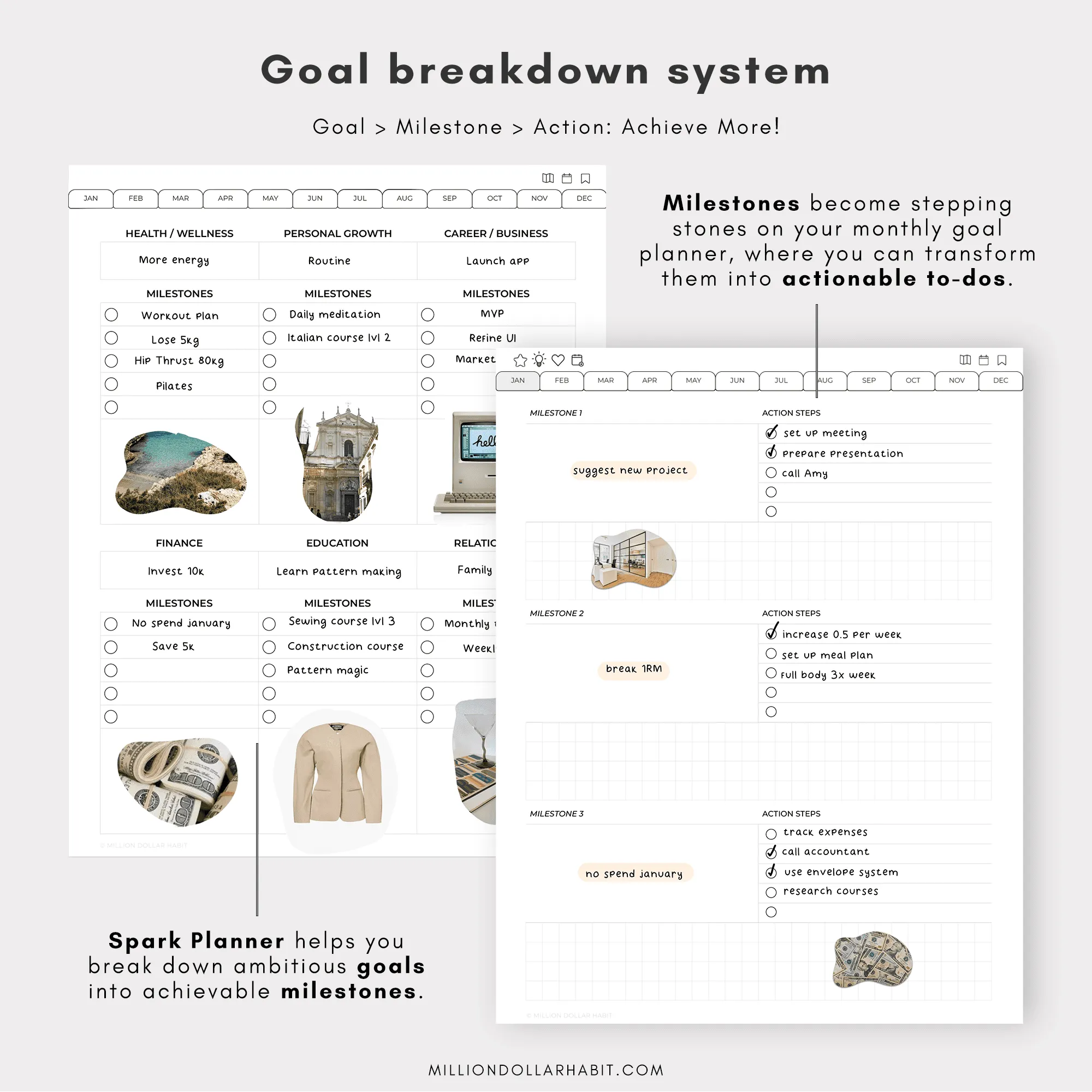
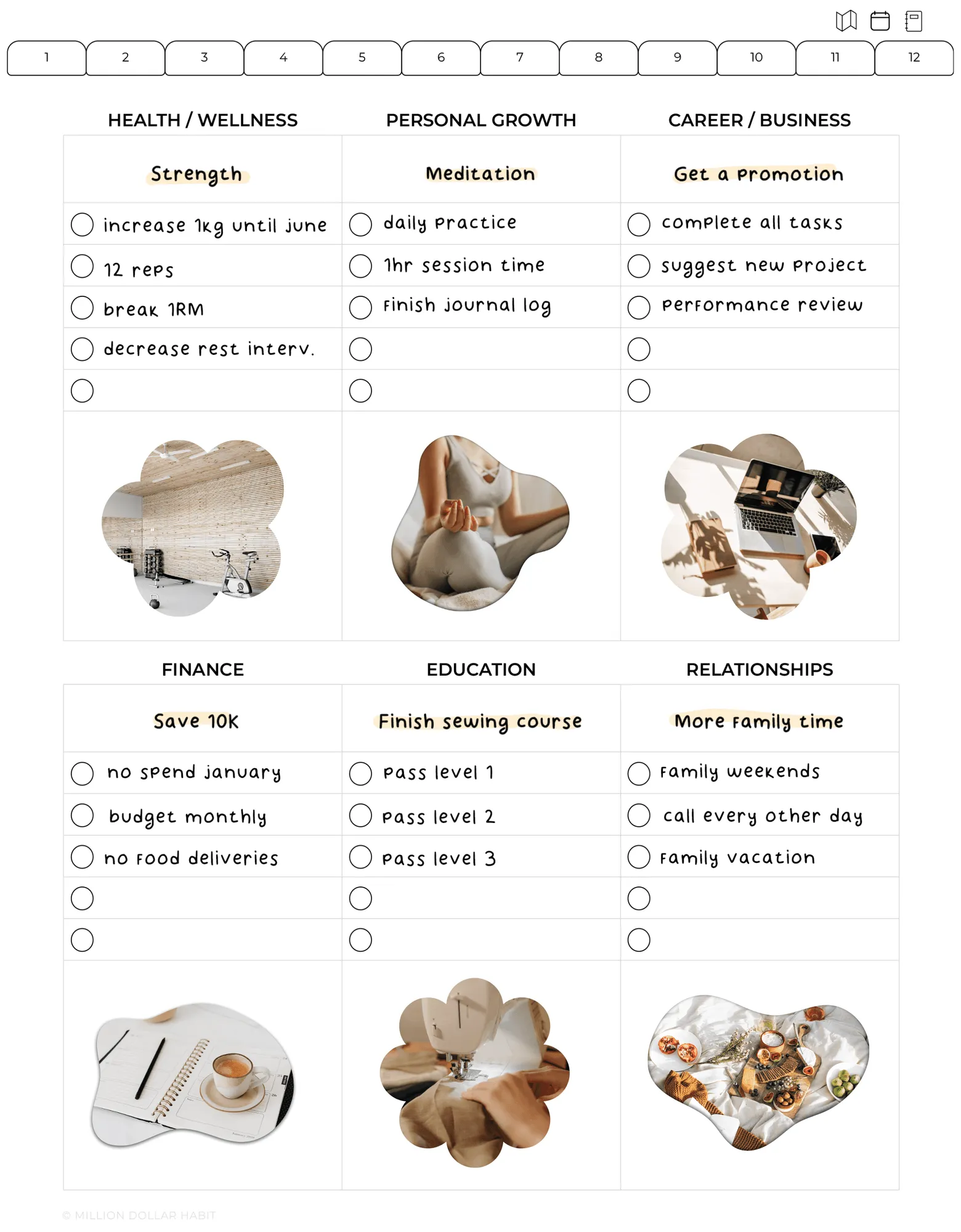
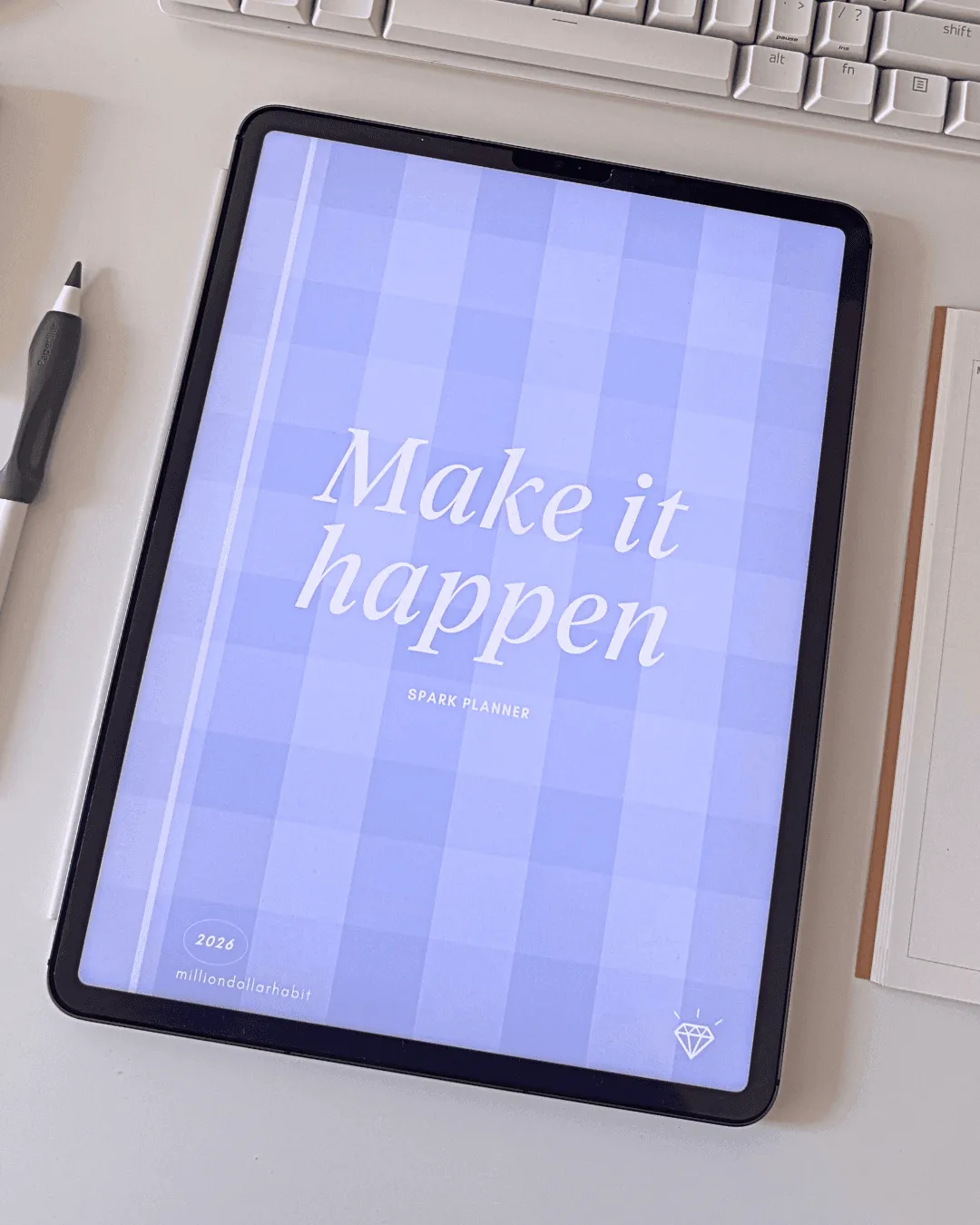
Set clear, ambitious yearly goals with guided prompts to help you articulate your vision for 2026.
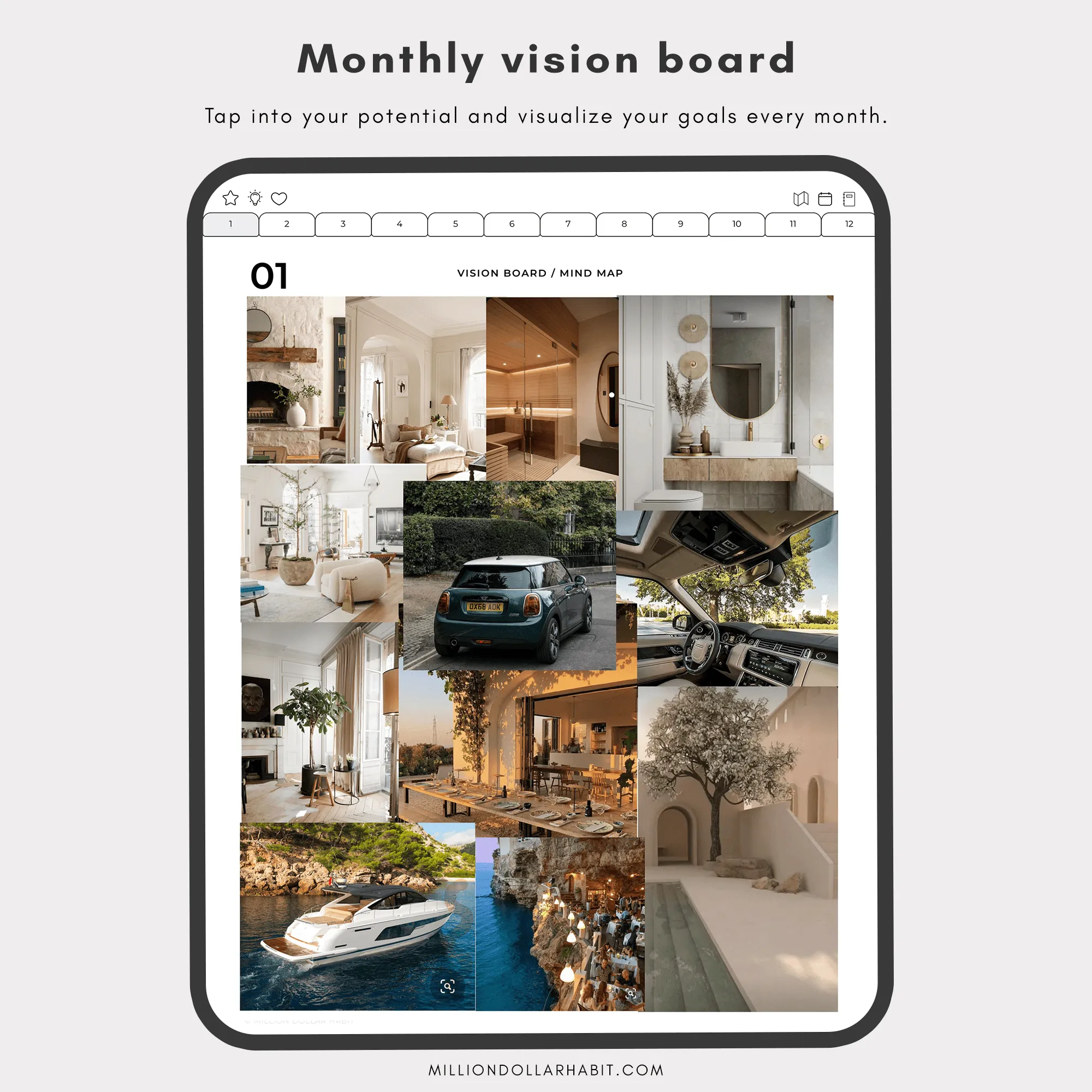
Visualize your goals with a customizable vision board—a creative space for images, quotes, and affirmations that inspire daily focus.
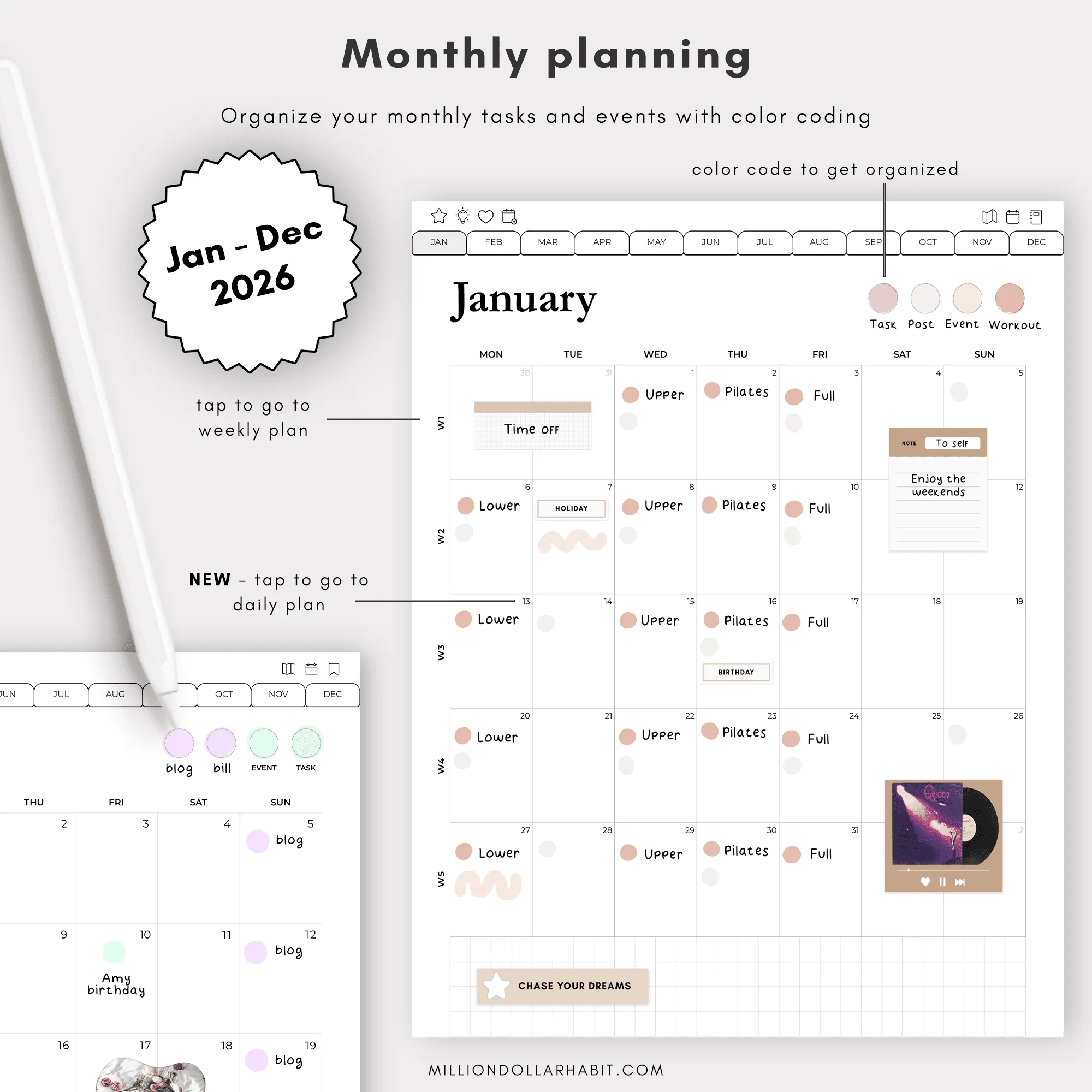
Break It Down: Monthly Planning
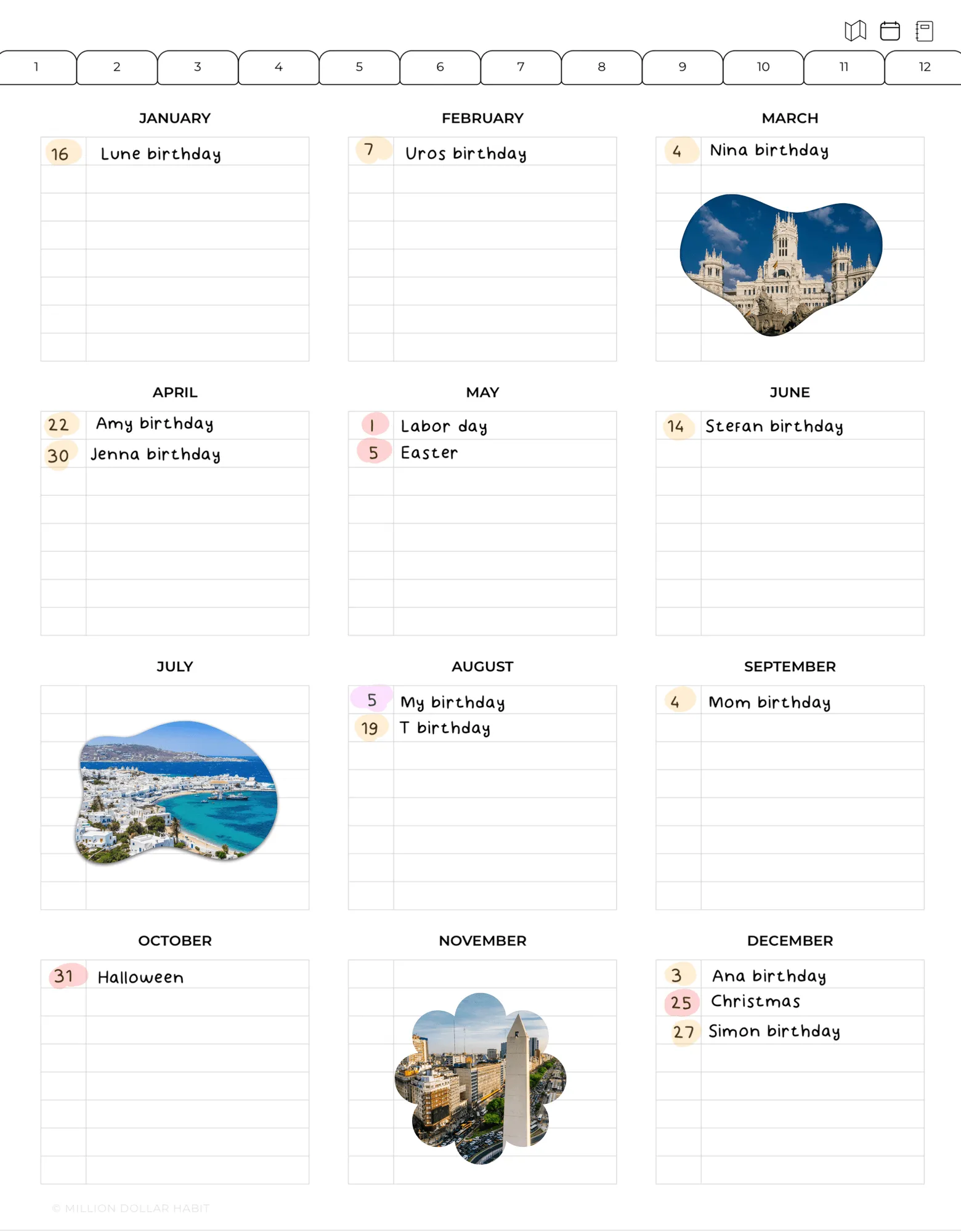
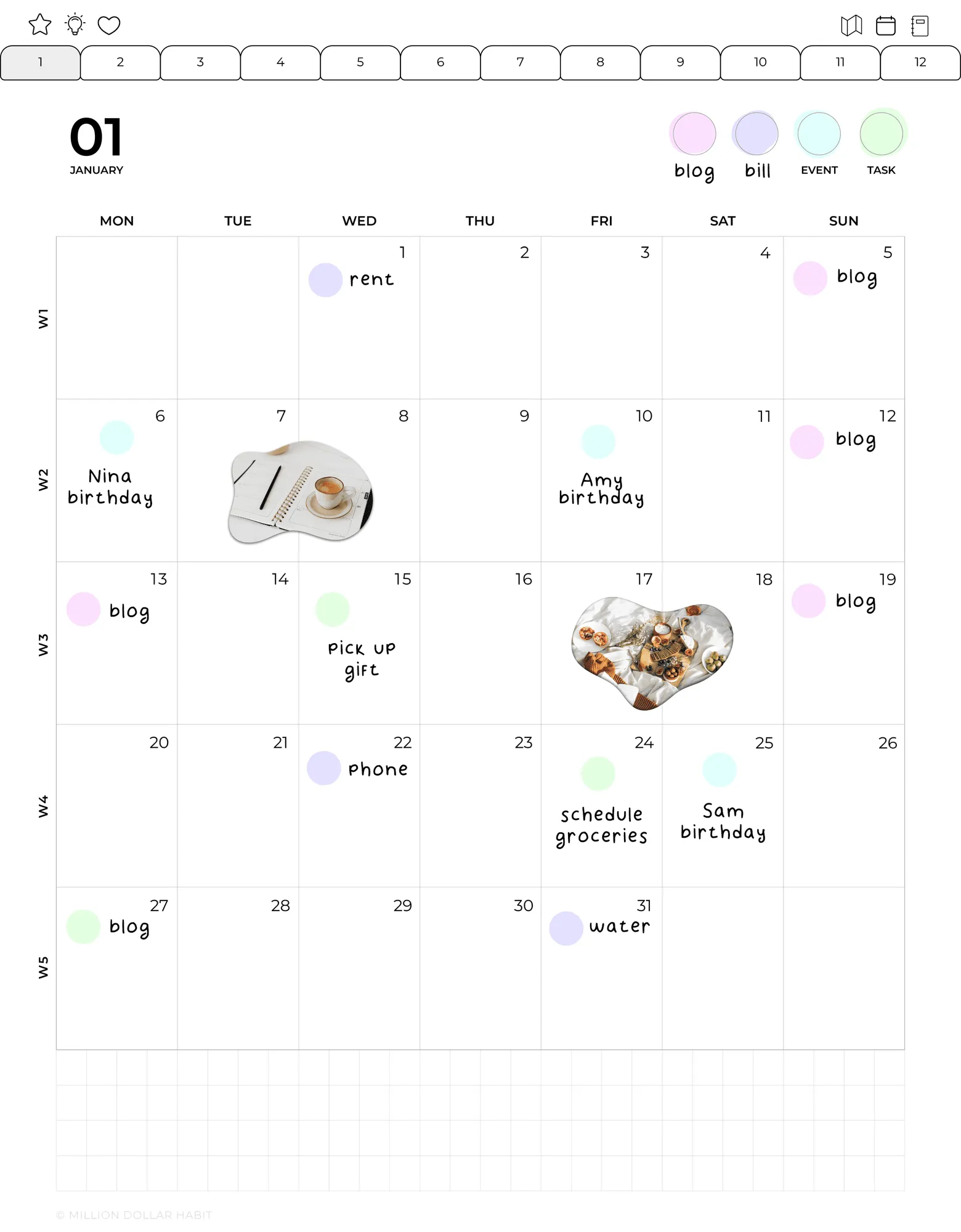
Transform your big goals into measurable monthly milestones. Each month, set clear objectives that keep you aligned with your overarching vision.
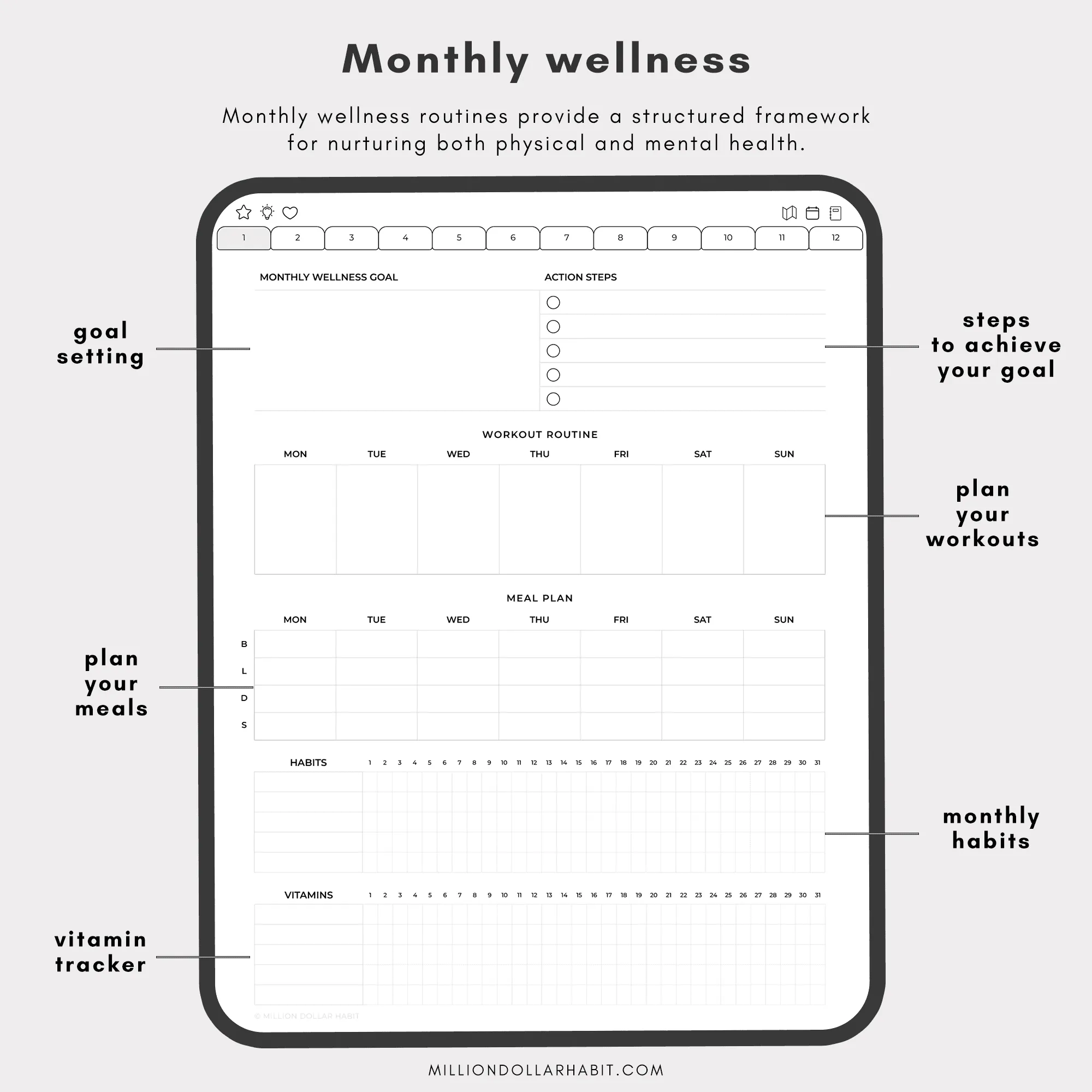
Prioritize Wellbeing: Monthly Wellness Tracker
Achieve your goals while prioritizing self-care. Track your nutrition, exercise, and habits with a wellness tracker designed to support a balanced lifestyle.
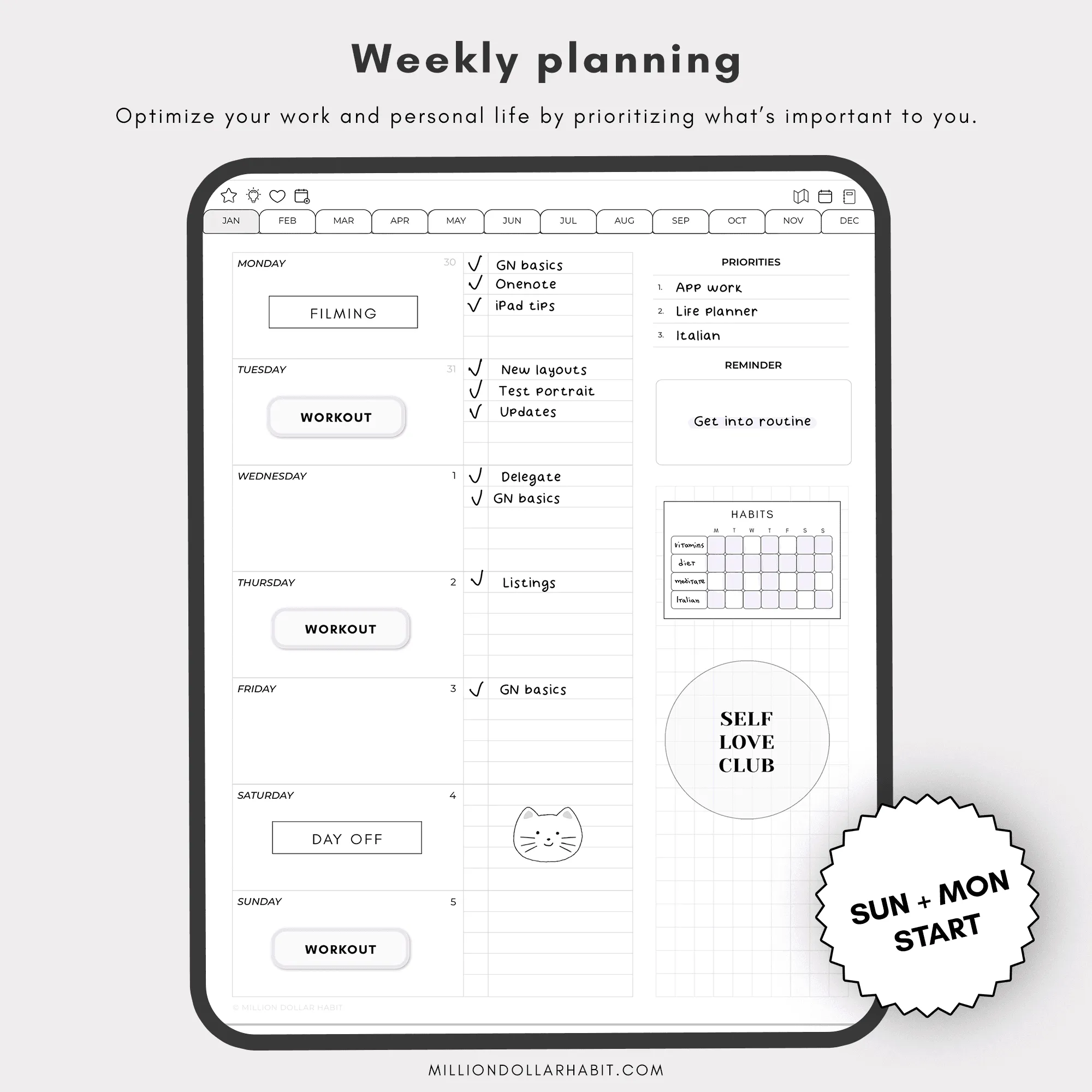
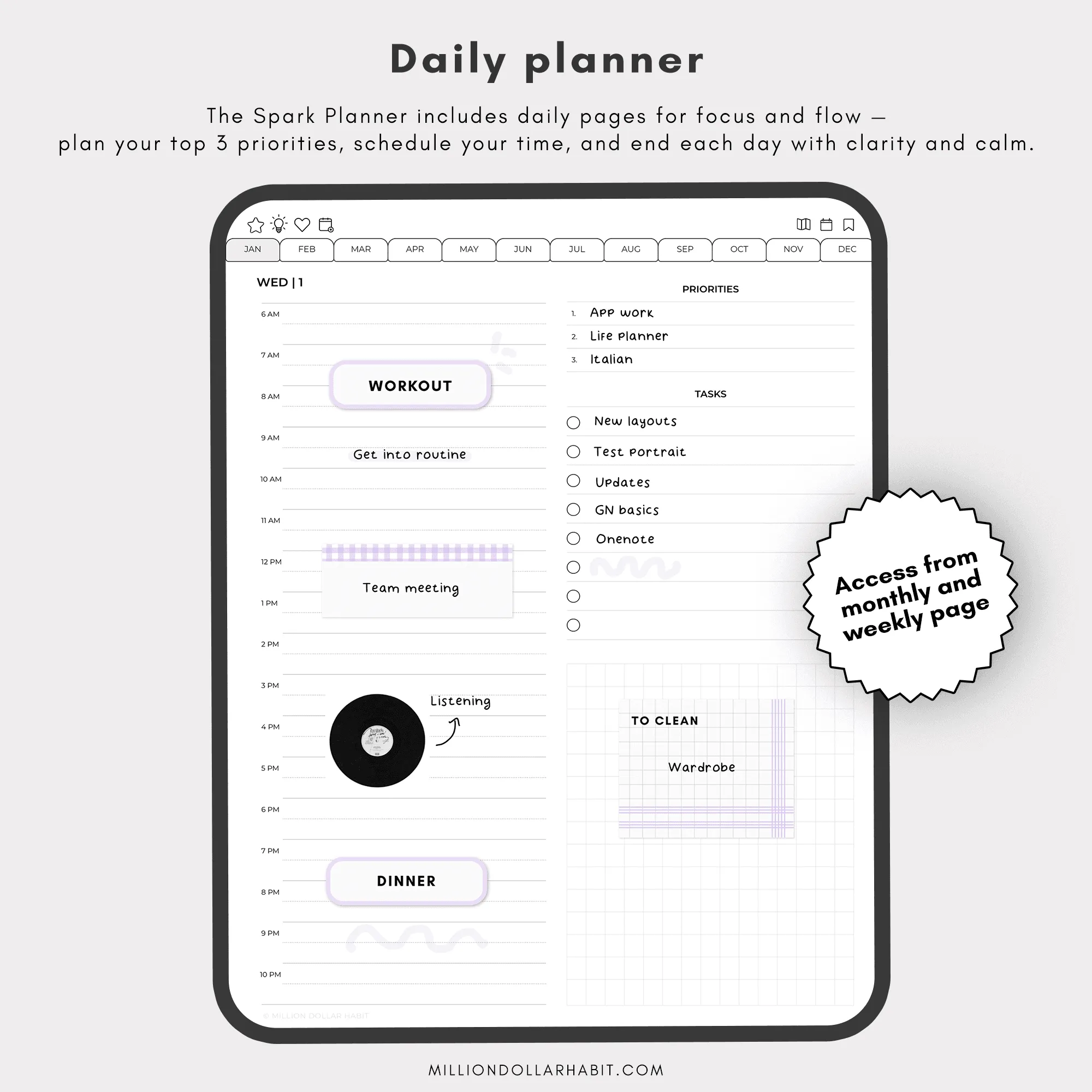
Weekly & Daily Planners
Choose your preferred layout:
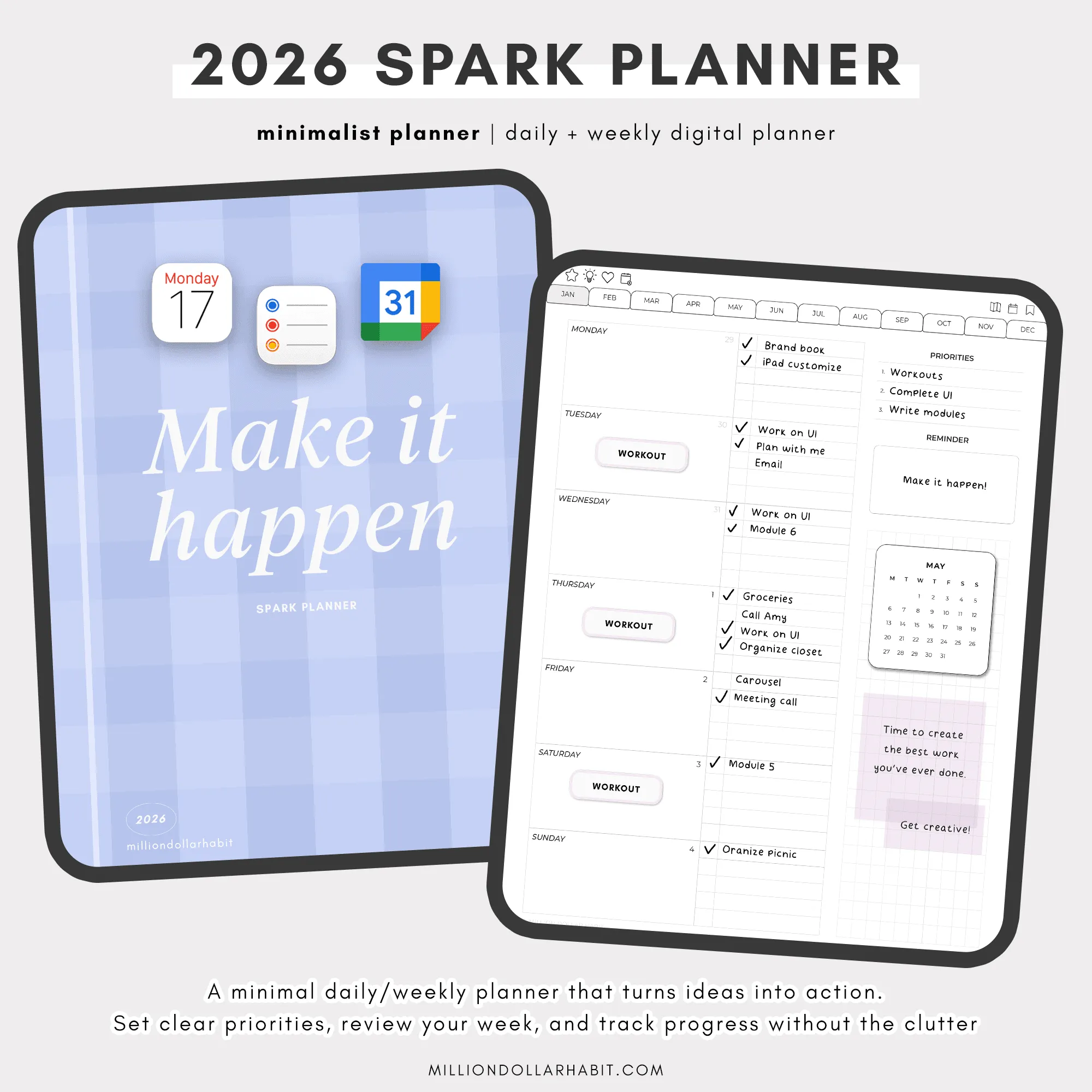
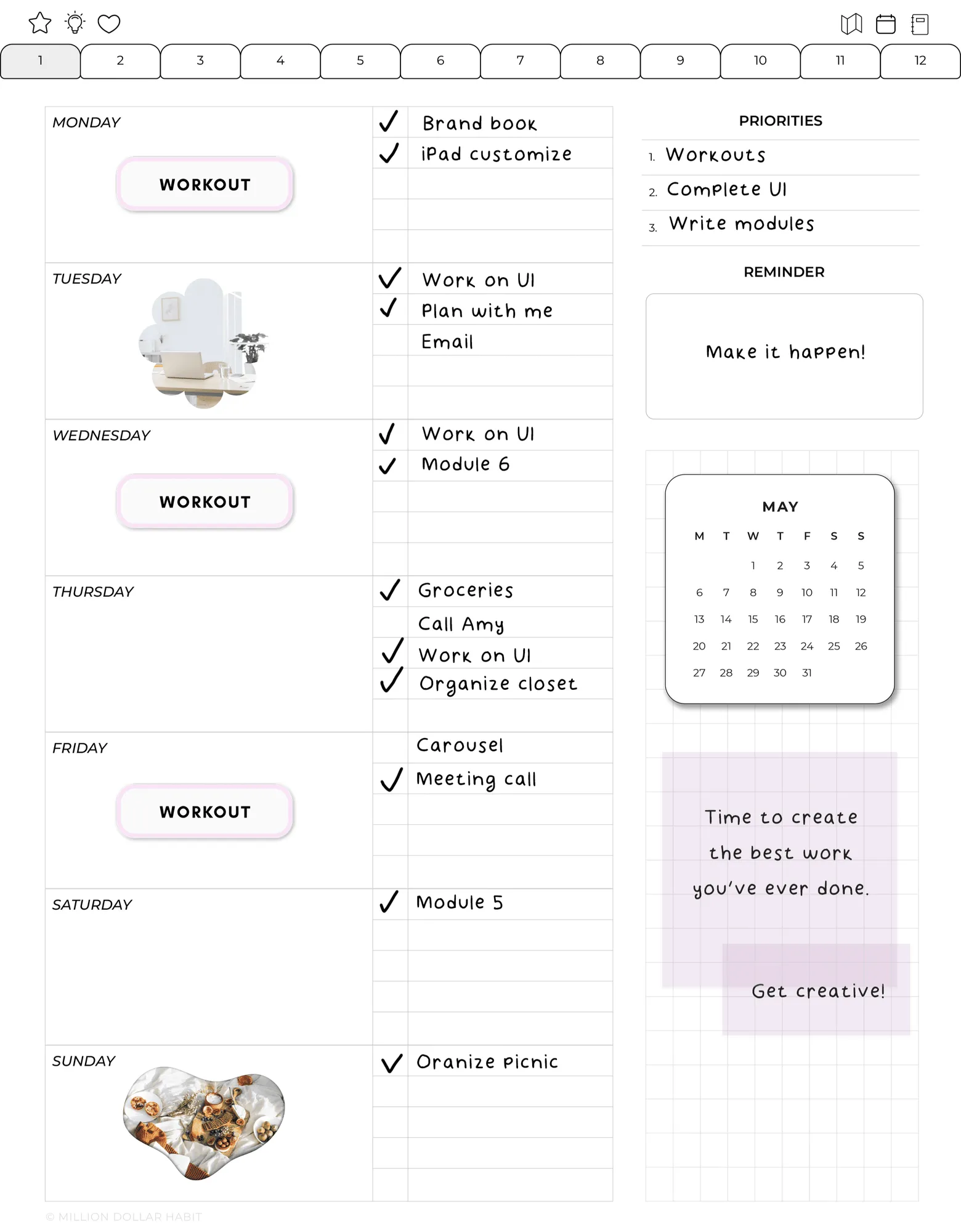
Weekly + Daily Option: Plan in detail every day while keeping a weekly overview of your priorities.
Both layouts are designed for clarity, functionality, and ease of use.
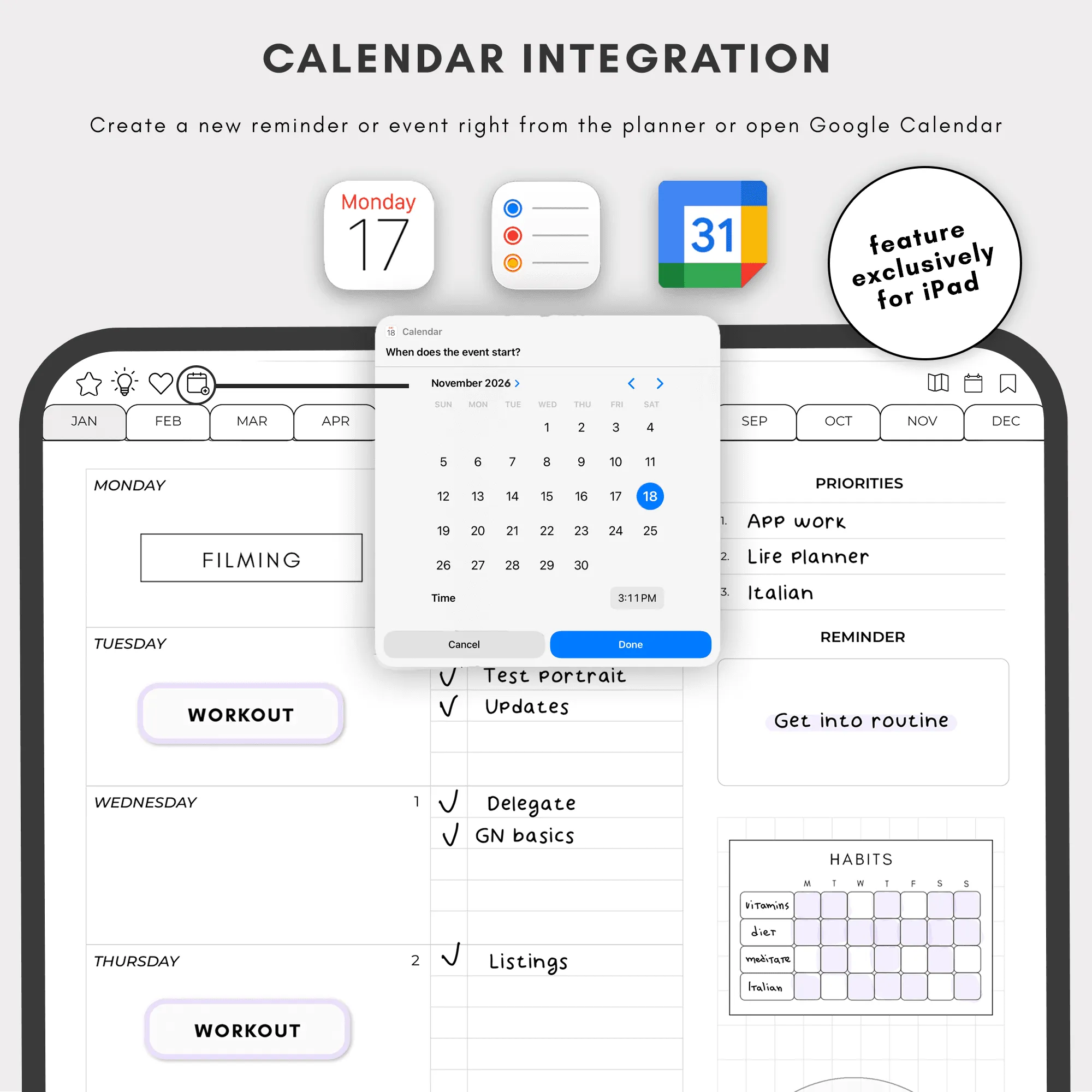
Seamless Integrations
Use the calendar integration shortcut to access Apple Calendar and Reminder directly from your planner, or to open Google Calendar.
2026 Dated Daily Portrait Planner
No more manual entries - everything is ready to go.
Monthly Vision Board & Wellness Tracker
Balance productivity with inspiration and self-care.
Yes. This planner is fully compatible with GoodNotes and is optimized for iPad use. All links, tabs, and pages work seamlessly inside the GoodNotes app.
Is this planner beginner-friendly?
Yes. Whether you’re new to digital planning or already use GoodNotes daily, these planners are designed to be intuitive, clean, and easy to use from day one.
Are refunds available for digital planners?
Due to the nature of digital products, all sales are final. If you have any issues with your download or compatibility, support is always happy to help.
Is this a one-time purchase?
Yes. This is a one-time digital download. You pay once and can use the files on your personal devices as long as you want.
How do I download and import the planner into GoodNotes?
After purchase, you’ll receive a download link:
Download the PDF files to your iPad or computer
Open GoodNotes
Tap “Import” and select the planner file
Once imported, you can start using it immediately.
Which apps are supported besides GoodNotes?
These digital planners work with most PDF annotation apps, including:
GoodNotes (recommended)
Notability
Noteshelf
ZoomNotes
Xodo
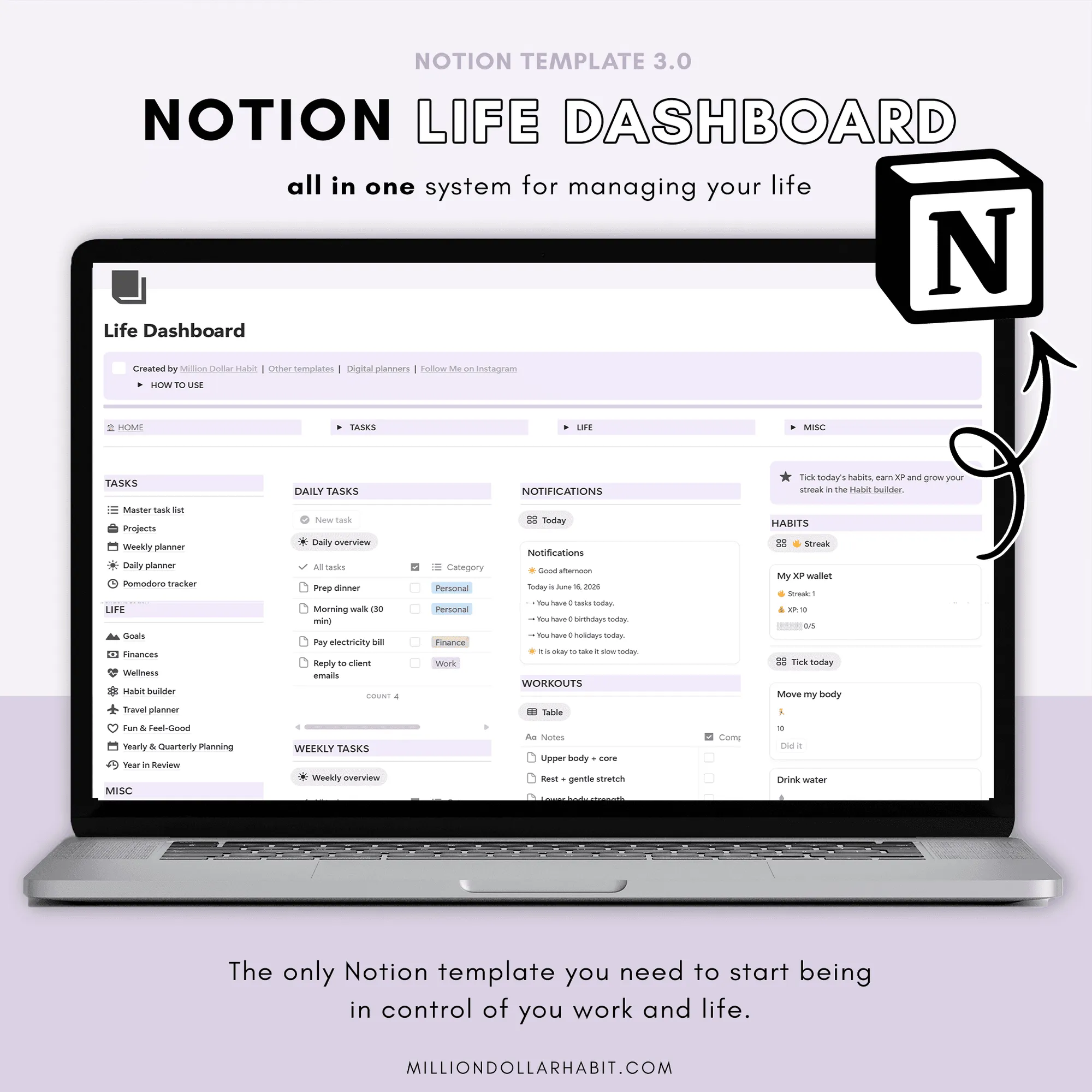
These PDF planners are not compatible with Notion or OneNote, as those apps don't support interactive hyperlinked PDFs the same way.
Can I use this digital planner on iPad?
Absolutely. All Million Dollar Habit planners are designed specifically for iPad + Apple Pencil. They also work on other tablets that support PDF annotation apps, but the best experience is on iPad.
Do I need a new download every month?
No. You get access to the same wallpaper library on Google Drive, which is updated over time.
When a new month is added, it appears alongside the previous months in that library.
What is a digital planner for GoodNotes?
A digital planner for GoodNotes is a hyperlinked PDF designed to be used inside the GoodNotes app on iPad. You can write, highlight, and decorate it using Apple Pencil—just like a paper planner, but fully digital.